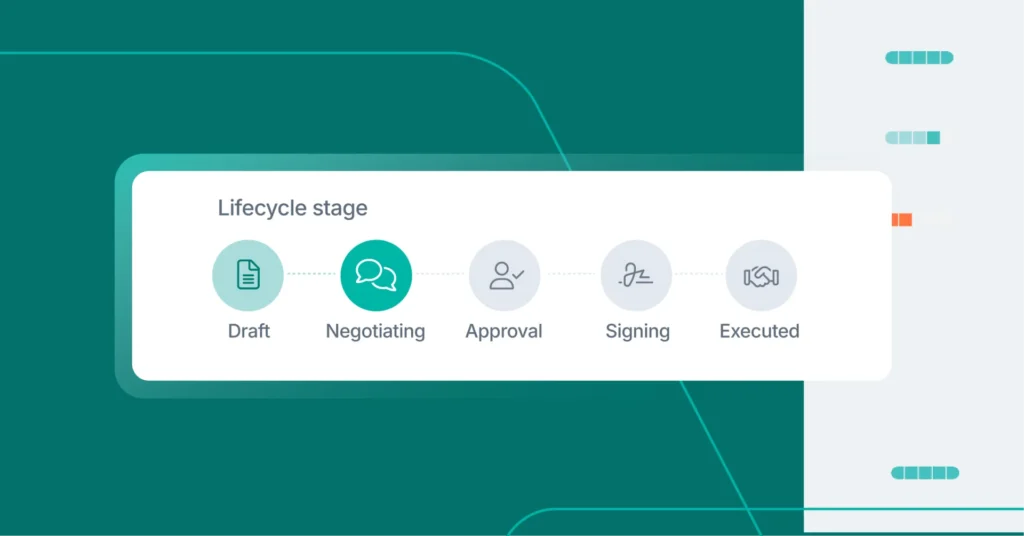
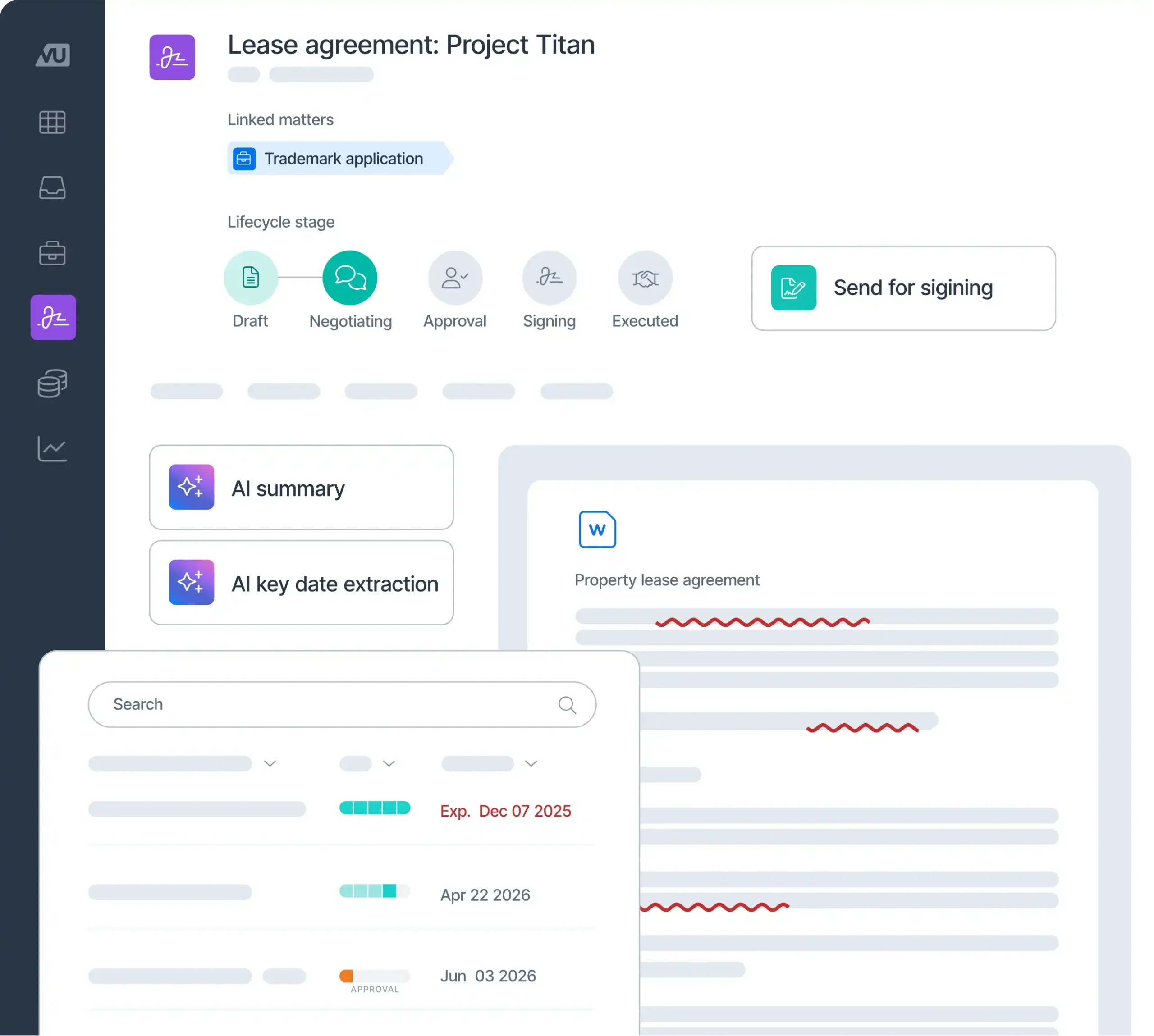
Contract lifecycle management (CLM) is the process of managing an agreement from initiation and drafting through execution, renewal and beyond. CLM software centralizes and automates that work, making contracts easier to create, find, manage and report on.
Having a strong CLM in place helps organizations mitigate risk, ensure compliance, stay organized throughout the contracting process and ultimately make managing contracts more efficient.
Contract lifecycle management (CLM) software is software that allows organizations to easily create, negotiate, store and manage contracts in a centralized repository. This involves managing the activities related to contract work for both in-house legal teams and the wider business.
This predominantly involves:
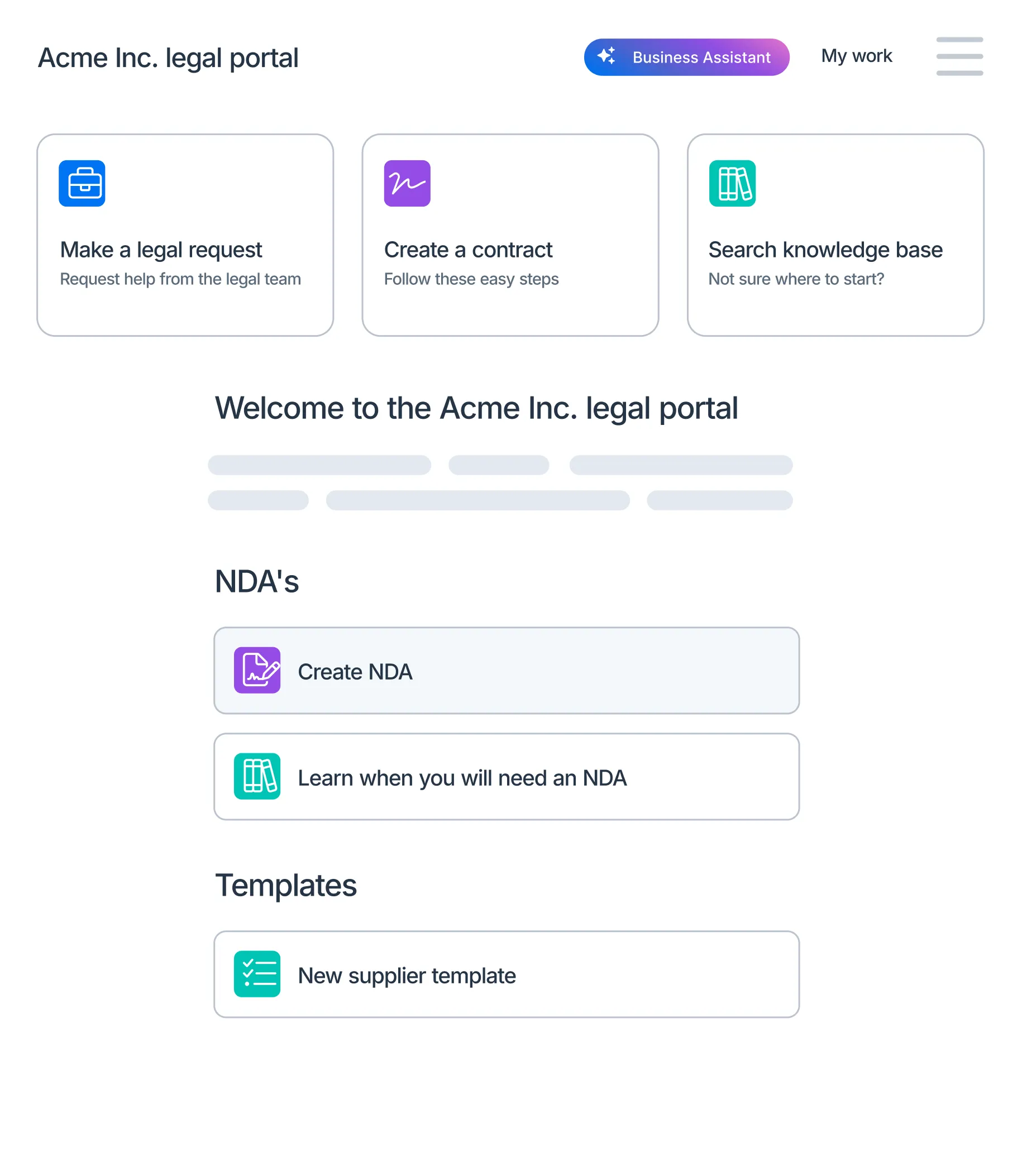
- The intake of internal client requests
- Triaging those requests and assigning to the appropriate person to manage it
- Communication and collaboration with legal team and internal clients
- Enabling internal clients to self-serve and access legal advice more efficiently
- Tracking responsibility and minimizing the risk of missing key deadlines or important events
- Centralization of all contract work and contract document repository
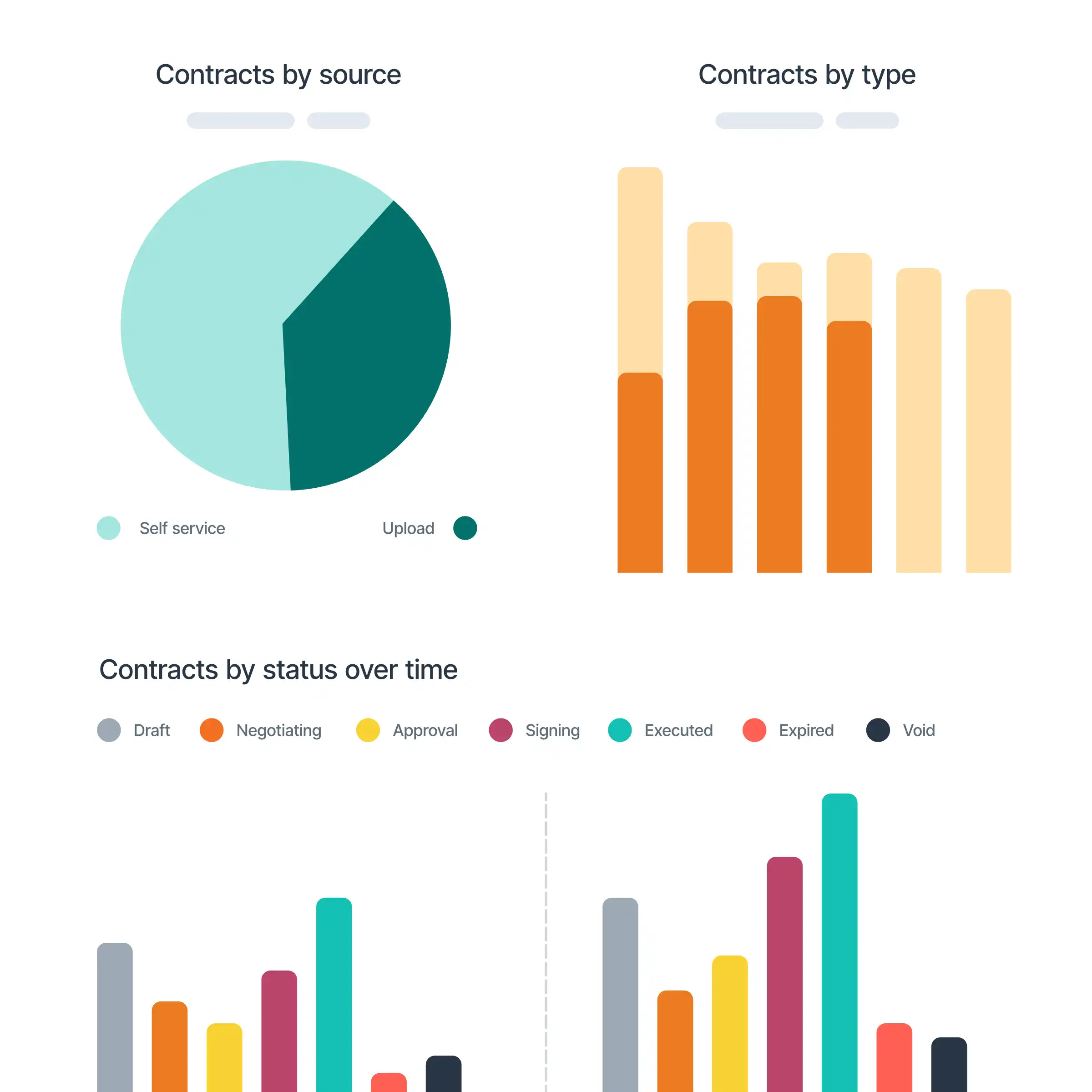
- Structuring the legal department’s information for data-driven decision making, reporting, and forecasts
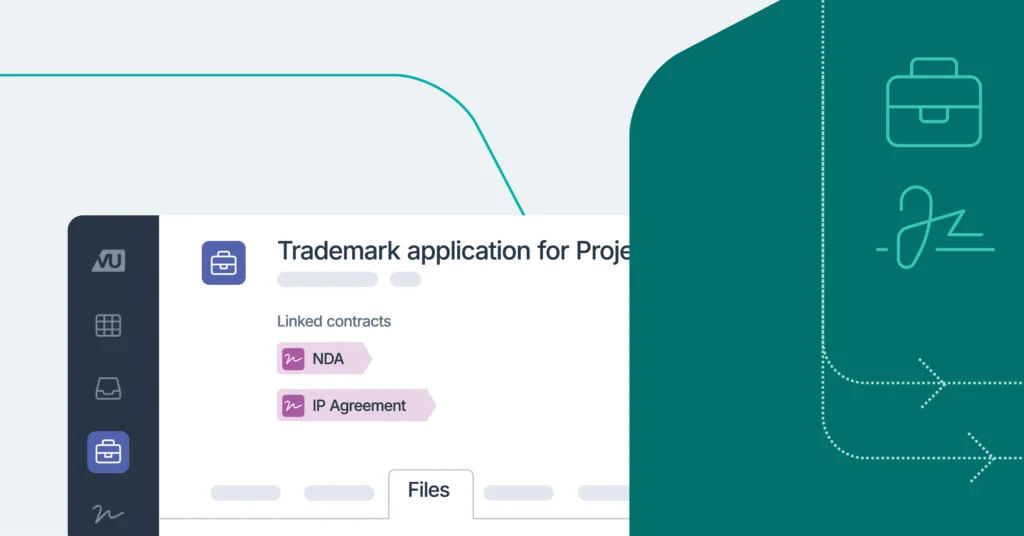
LawVu connects contracts, matters and spend on one intelligent data layer, so legal teams can see the full context of every agreement and the work around it. Unlike standalone contract tools, contract management is part of the LawVu LegalOS - one platform for running legal work, managing spend and reporting on impact. Click here to learn why they are better together.
LawVu’s implementation approach is designed to deliver value quickly and support long-term ROI. It combines a flexible, intuitive platform foundation with a tailored implementation approach for your team and workflows.
LawVu is designed to deliver value quickly, whether your needs are straightforward or complex. Start on day one with out-of-the-box configurations, or work with our team on a tailored setup that fits your workflows and grows with you.
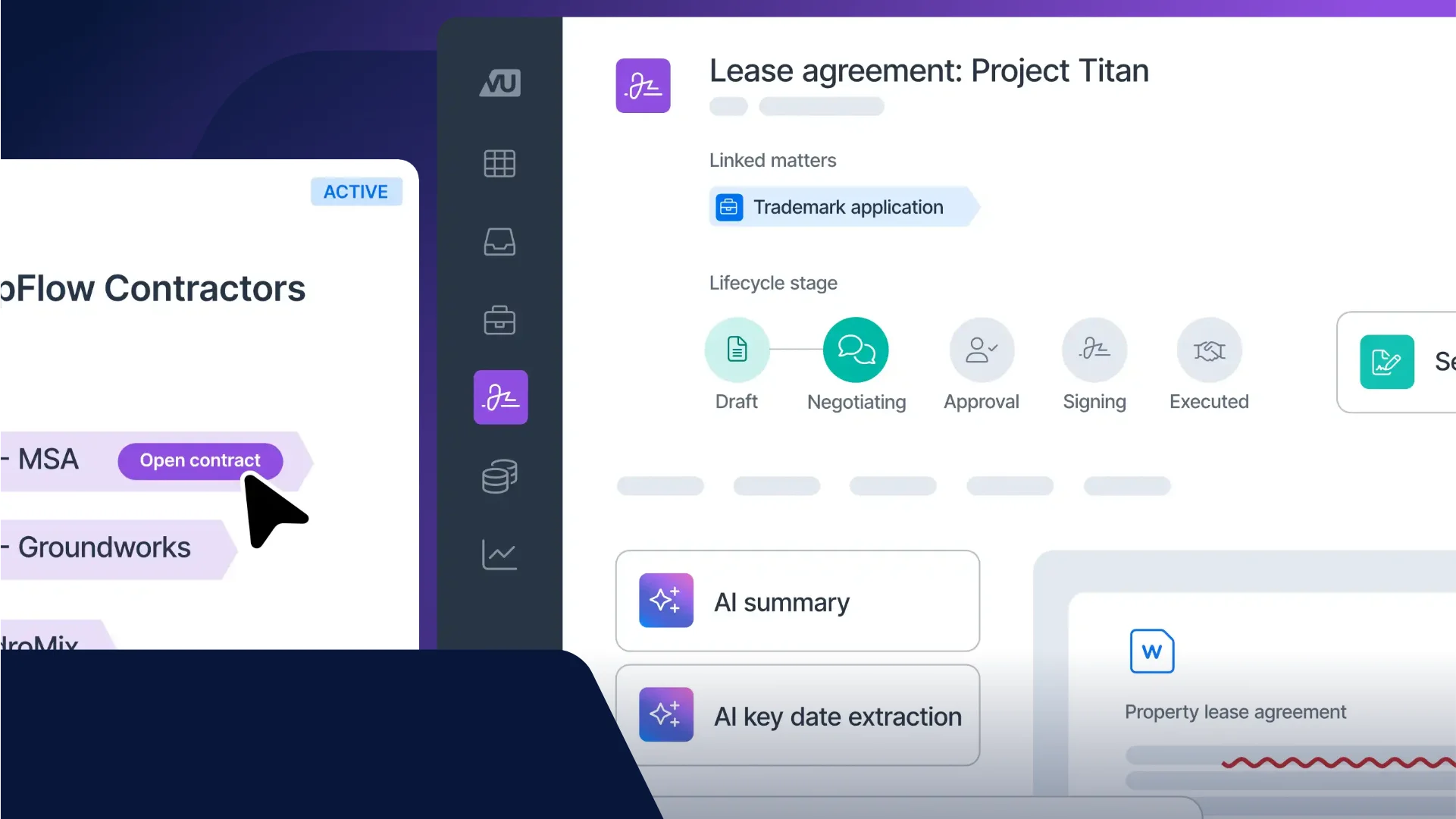
LawVu Intelligence brings AI to every stage of the contract lifecycle, from first draft to repository-wide insight, within LawVu’s secure environment and your existing permissions.
It includes:
- AI contract data extraction captures key terms, dates, values and parties as contracts are added, so your repository is complete without manual data entry.
- LawVu Draft reviews, redlines and drafts in Microsoft Word using your own clauses, precedents and playbooks.
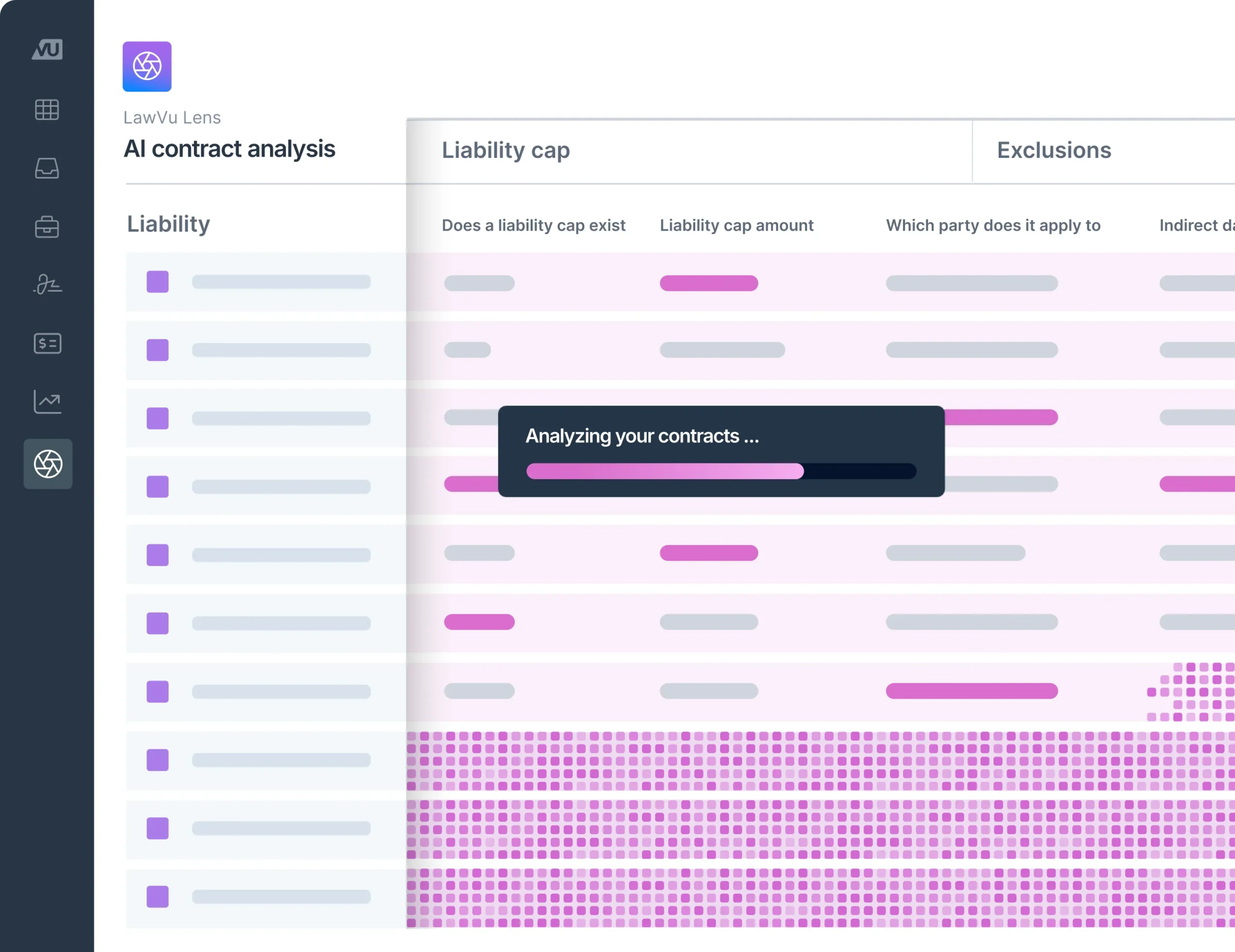
- LawVu Lens analyzes obligations across your executed contracts and links every result back to the source language.
- LawVu Assistant answers questions and completes contract tasks through conversation, with your approval, while giving business users an easier, governed way to engage with legal
- LawVu MCP Server lets your organization’s own AI assistant securely access LawVu contracts, within each user’s existing permissions.
LawVu understands that customer legal data is highly sensitive and requires rigorous security and privacy protection. Our AI services are hosted within our existing Microsoft Azure ecosystem, which supports ISO 27001, SOC 1, SOC 2, HIPAA and GDPR compliance. Customer data is segregated and is not used to train public models. Click here to read more about AI privacy and security.
LawVu AI also works across matters, intake, and spend. Explore LawVu Intelligence here.
Yes. The LawVu MCP server lets your team use their AI tool of choice, including Claude, ChatGPT and agents built in Microsoft Copilot, to work directly with the contracts, matters and legal knowledge in LawVu. Ask about an agreement and get an answer linked back to the source, or take action, like kicking off a contract workflow or posting a status update. Your AI tool only sees what you can already see in LawVu, and every action is recorded in the activity log.
Yes. Your team can review and redline contracts right inside Microsoft Word with LawVu Draft. LawVu also connects with email, Microsoft 365, Slack and Salesforce to keep contract records in sync, and when a contract is ready, you can send it for signature through DocuSign, Adobe Sign or Dropbox Sign.