Give your AI tool the context it’s missing: LawVu MCP server explained
 LawVu
LawVu

Most in-house lawyers are already using AI, but far fewer are using it for real legal work, inside a tool their organization has approved.
Claude, ChatGPT, and Copilot are good at drafting, summarizing, and helping you think through a problem, but what they lack is your context. They don’t know your contracts and past positions, or why your GC agreed to a non-standard indemnity last quarter.
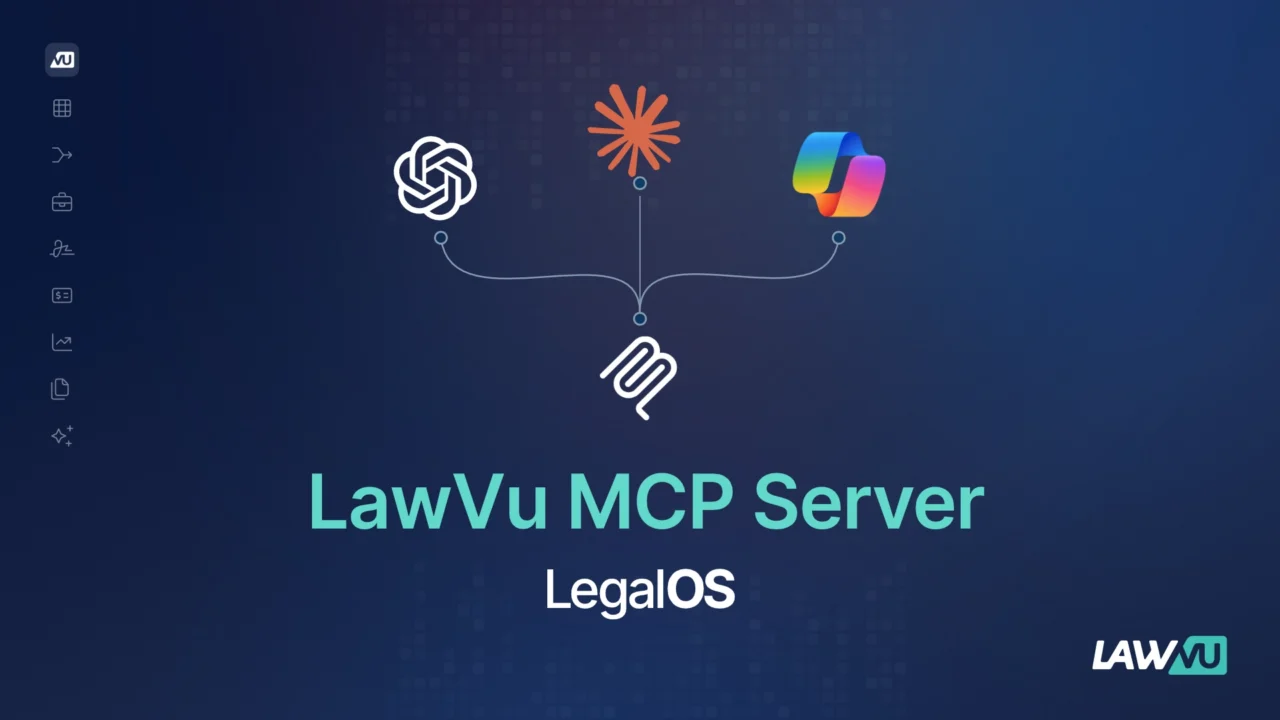
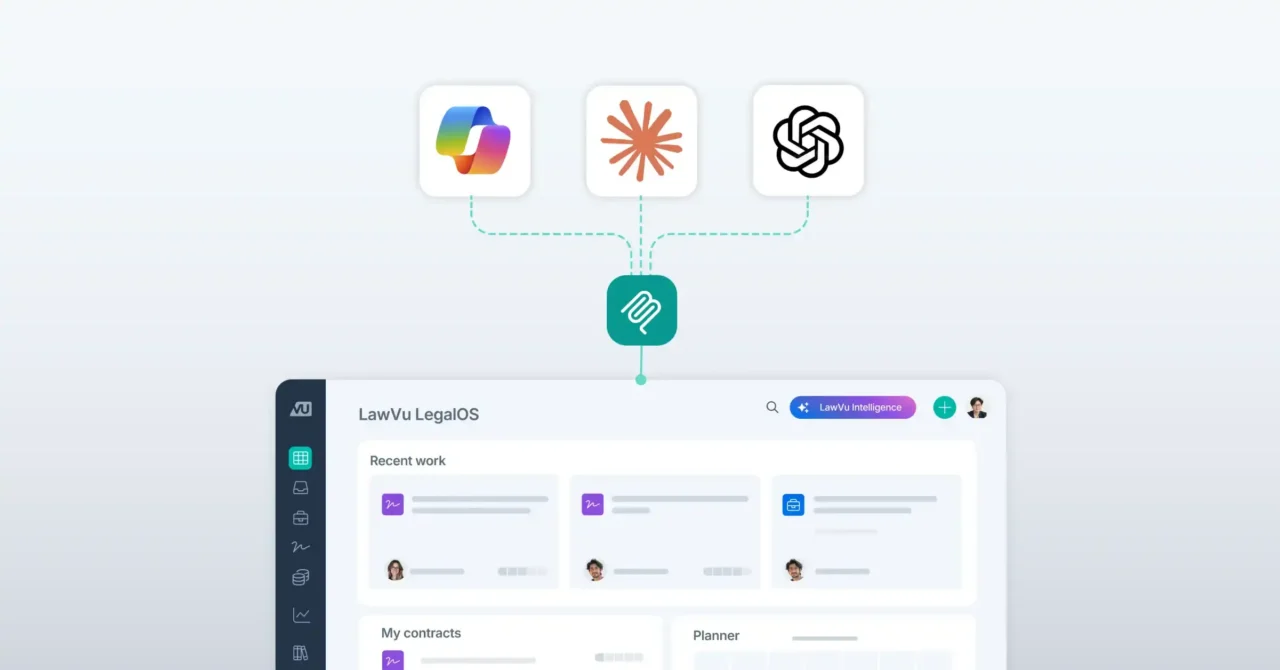
The LawVu MCP server gives your AI tool secure access to LawVu, with your guardrails in place.
What is the LawVu MCP server?
Firstly, MCP stands for Model Context Protocol, an open-source standard that lets AI tools connect to the systems where your work lives. Think of it as a universal plug. Instead of copying a contract into a chat window, your AI tool can seek the information it needs itself.
The LawVu MCP server lets your team use their AI tool of choice, including Claude, ChatGPT, and agents built in Microsoft Copilot, to work directly with the matters, contracts, legal knowledge, and documents managed in LawVu LegalOS.
Why connecting your AI tools to LawVu matters
Connecting AI to your data gives it access, but it doesn’t make it smarter. And whether the answer is useful or not depends on what the AI finds when it gets there. Point an AI tool to a shared drive full of unlabelled folders and you’ll get a fast answer, but not necessarily the right one. It can read version seven of a contract, but it can’t see the negotiation that shaped it, the matter it relates to, or the advice that changed your stance.
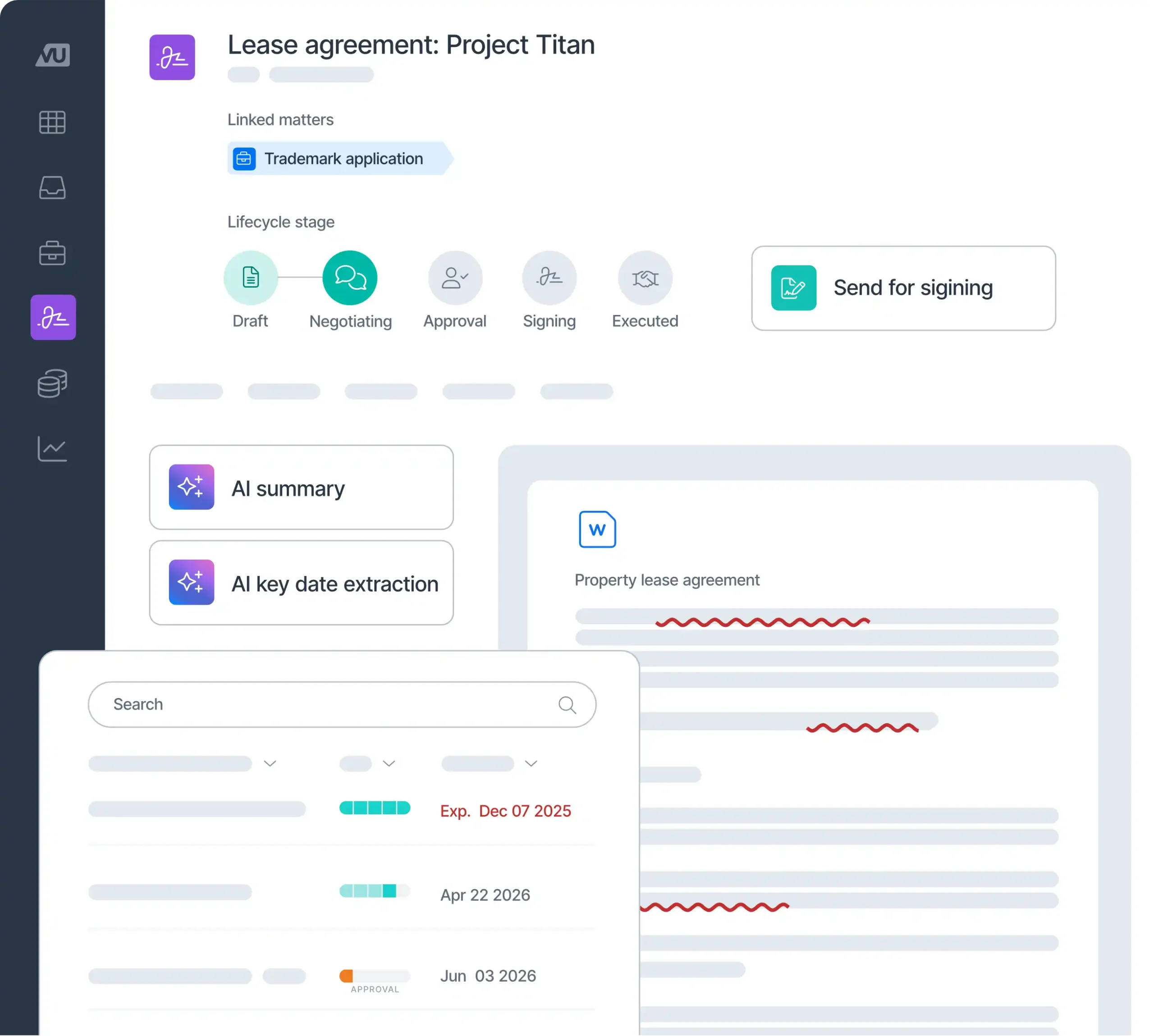
LawVu LegalOS connects your contracts with the matters, legal spend, tasks, owners, key dates, status updates, legal notes, conversations, and knowledge around them. When your AI tool connects to LawVu, it works with the context of how your legal function runs.
How customers are using the LawVu MCP server
Brief leadership in minutes, not days. Ask your AI tool to summarize your high-priority matters, add commercial context from Salesforce, and turn it into a slide deck. It can even surface hidden risks, like a major renewal with a customer you’re in dispute with. Every point links back to LawVu, so you can check it before you present. Watch this video to see it in action.
Get grounded answers about your contracts. When someone asks what they can and can’t do under an existing agreement, you’d normally have to find the contract, read the relevant sections, check for amendments, and try to recall any related decisions. Now you can ask in plain language and get an answer drawn from the contract and its surrounding context in LawVu, with links to the source so you stay in control of the final call.
Answer policy questions from your own knowledge. Responses are grounded in the articles and guidance your team has already curated in LawVu, not in generic internet knowledge.
Spot inconsistencies across systems. Ask your AI tool to compare your contracts with a key customer against the matching opportunities in your CRM and flag any mismatches in dates, values or terms. This kind of cross-checking would normally take hours of manual work.
Move from asking to acting. The LawVu MCP server can also take action. From inside your AI tool, you can create a new matter, assign a task, post a status update or kick off a contract workflow in LawVu. The work lands where it belongs, in your system of action, so nothing gets lost in a chat history.
Governed access, with guardrails in place
For legal teams, an AI answer is only useful if you can stand behind it, and the stakes are higher than in most functions. Privileged advice, confidential contracts, and live disputes can’t be open to anyone who happens to ask. That’s why governed access matters.
The LawVu MCP server works within your existing guardrails: your permissions come with you, so your AI tool can only see what you can already see in LawVu. Every action it takes is recorded in LawVu’s activity log, giving legal ops and IT full visibility of how AI is working with your data.
You don’t have to choose between your AI tool and your legal operating system
If your organization has already standardized on Claude, ChatGPT, or Copilot, you don’t need to change course. While your AI tool brings a familiar conversational interface and flexible drafting and analysis, LawVu supplies the legal context behind each answer and keeps a record of the work after the chat ends.
Your team can ask questions wherever they already work, and every answer draws on the same LawVu data and respects the same permissions. On its own, an AI tool speeds up individual tasks. Connected to LawVu, it works from the same information and rules as the rest of your legal team.
See LawVu in action
Want to see what your AI tool can do when it’s connected to your legal operating system? Book a demo and we’ll show you the LawVu MCP server working with real legal workflows.
See the LegalOS in action.