Get the guide
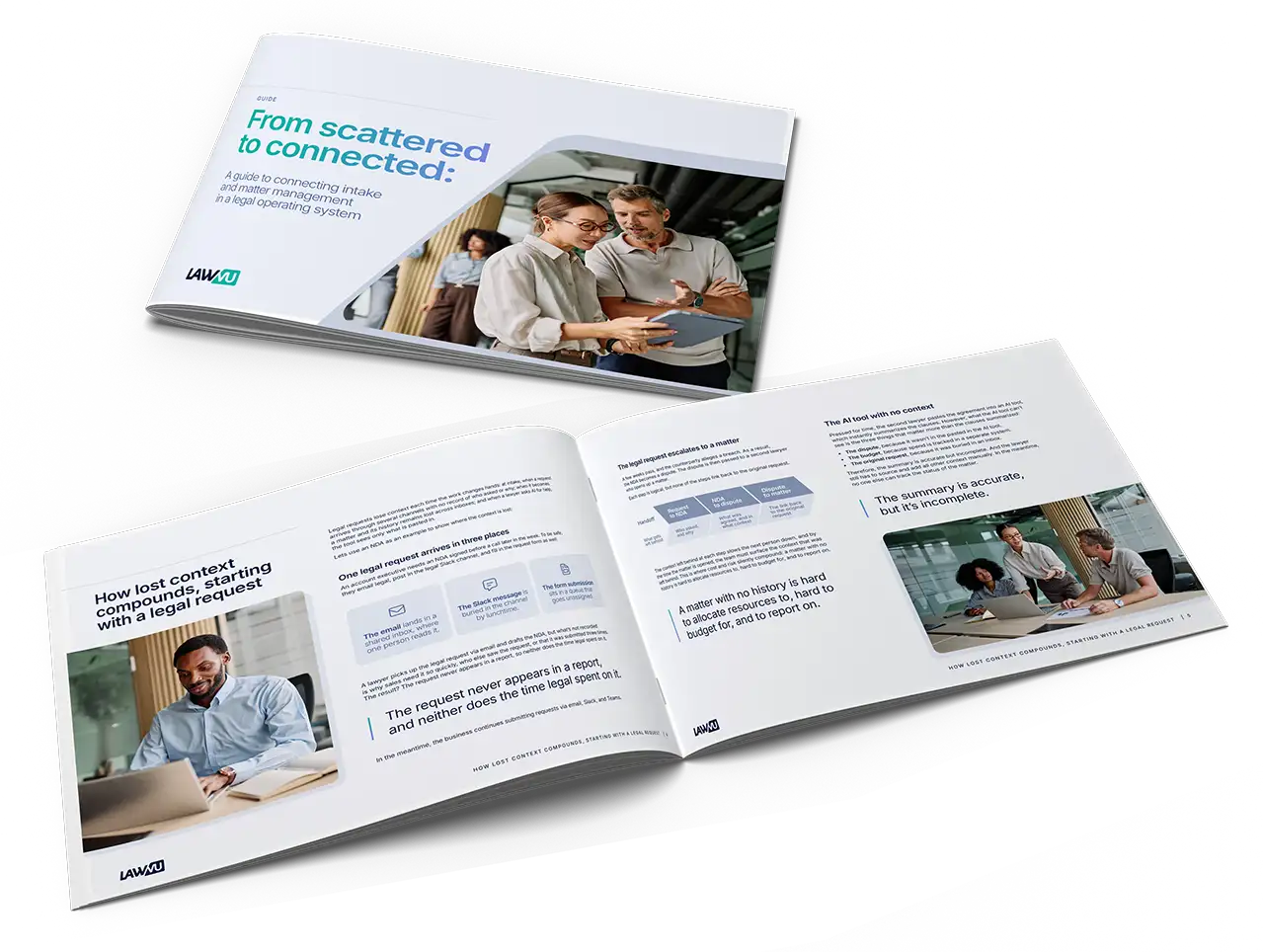
Connecting intake and matter management in a legal operating system.
From scattered to connected. See how intake, matters, and other capabilities work in one system.


+
%
%
+

Checkbox helps legal streamline intake and automate workflows. LawVu LegalOS takes legal from the first request to the final invoice, with outside counsel spend and eBilling in the same system as your matters and contracts.

When spend sits alongside matters and contracts, you see what every piece of legal work costs, not just how fast it moved. Invoices are checked against your billing guidelines and budgets track against live matters. For the business, that means one clear view of what legal is working on and what it costs.

Brightflag is built around legal spend and matters. LawVu LegalOS runs contracts in the same system, so there’s no separate contract tool to buy, integrate and maintain.
Contracts, matters, and spend share one record and run on the same data and workflows, so a renewal, the matter behind it, and your outside counsel spend sit side by side. For the business, that means fewer tools to manage and fewer handoffs between them.

Xakia’s AI starts at the contract. LawVu LegalOS puts AI at the front door too, answering routine questions where your business works and routing the rest by risk and urgency so the right information reaches the right person.
LawVu LegalOS applies AI from the first request so by the time a request reaches your team, it’s qualified, captured, and ready to act on. AI note summaries bring anyone up to speed in seconds, and every capability runs on one connected platform. For the business, that means faster answers, urgent work reaches the right person, and handovers don't lose context.
A legal operating system runs intake, matters, contracts, and spend as one system, so every request carries through to a resolved matter. Point solutions each handle one step in isolation. LawVu is purpose-built for in-house legal, as one system from the start. Not adapted from law firm software or bolted together from acquisitions.
Most legal tools handle one or two functions and leave the handoffs to you. LawVu LegalOS captures every request, routes it by risk and urgency, and tracks it as a matter with its contracts and spend alongside, so context stays with the work.
Requests can come in by email, Slack, Teams, or the Business Portal, and they land in one place. Each is captured once with the right details, routed by risk and urgency, and carried through to a matter with an owner suggested by expertise and workload.
No. AI Intake routes requests by risk and urgency, and LawVu Assistant works within legal’s own risk profile, with human-in-the-loop controls. Legal sets the rules and stays in charge of what the AI does.
Yes. LawVu gives the business self-service access to answers, contracts, and templates, so routine requests don’t have to wait for a lawyer. Anything that needs legal is routed by risk and urgency.
The request is captured once and carries through to the matter, with its contract and spend alongside. An owner is suggested by expertise and workload, and progress sits in one shared view. The context follows the work instead of getting left behind at each handoff.