Why your PDF keeps breaking Word, and what to do about it
TL;DR
PDF and Word are built on different systems. Word tracks paragraphs; PDF tracks characters, so converting PDF back to Word always needs some cleanup.
Contract review can be a constant drain on in-house lawyers’ time. A real gripe being when you’re sent marked-up documents in PDF format that need to be converted back to Word.
Any in-house lawyer knows this particular pain; they copy a revised paragraph from a PDF, paste it into Word, and get a wall of stray line breaks. Or they convert the PDF to Word and end up with broken numbering, stray breaks, and mismatched fonts.
The cause is structural: PDF and Word were designed for different jobs.
Why do PDFs exist in the first place?
PDFs exist so a document looks the same on every device that opens it. Adobe built the format in the early ’90s to create consistency, freezing a document as it appeared on screen or in print.
That consistency is still needed today, as e-signing and archiving still depend on documents that can’t shift format. As Maarten Truyens, legal software engineer at LawVu, put it during a recent webinar on the topic: “We’re not going to get rid of the PDF format. It’s here to stay.”
What’s the real difference between Word and PDF?
Word documents track paragraphs while PDFs track characters, and that distinction explains most conversion problems.
Word organizes a document as blocks of text that can reflow, renumber, and resize. For most in-house lawyers it’s the default drafting tool, and one worth mastering.
A PDF records the exact position of every letter on the page, down to the spacing between characters, with no concept of a paragraph at all.
Because of this, converting a PDF back into something editable means asking software to guess, from thousands of individually placed characters, where paragraphs begin and end. As Truyens explains, “It’s like waking the dead, trying to make something editable that was fixed in place on purpose.”
Is there a PDF editor that redlines like Word?
No. PDF editors work with pages as blocks, not as flowing text, so there’s no clean way to track changes the way a Word document can. Converting a PDF to DOCX is still the only real path to redlining.
If a counterparty sends you a locked-down PDF specifically to make edits harder, treat it as a negotiation tactic and ask for the Word version.
Why do section breaks and blank pages keep appearing on export?
When a paragraph runs across a page boundary in an original PDF document, converters often can’t tell that it’s one continuous block of text, so they insert a section break where none should exist. Multiply that across a long contract, and you can end up with 50-plus blank pages. Manually deleting them tends to make things worse, stripping formatting and triggering more breaks elsewhere.
No one in the industry has fully solved this issue. Purpose-built conversion tools aimed specifically at the section-break problem can cut the number of breaks dramatically, though even the best ones won’t get you to zero.
Exporting versus “Save As”?
People often ask if there is a difference in quality if you export to PDF or ‘Save As’, but what matters more is which direction you’re converting in.
Exporting from Word to PDF is relatively straightforward, while exporting in the other direction (from PDF to Word) is not. Going from PDF to Word asks a format designed to resist editing to become editable again. As Truyens says, it doesn’t matter whether you open the PDF directly in Word, use “Save As,” or run it through a dedicated converter. Either way, the result will need some cleanup because the difficulty comes from the format itself.
How does Word’s OCR-to-DOCX conversion work?
Word can open both scanned and native PDFs, but it handles native ones (built directly from Word, Excel, or PowerPoint) far better, since layout reconstruction is more straightforward.
Scanned pages still rely on optical character recognition, which introduces its own errors.
AI-based conversion tools can also silently ‘correct’ a number or word that wasn’t wrong, simply because it looked unusual compared with the patterns the model has learned. And you’ll still see the same section-break artifacts described above.
What helps today
- A real PDF editor ($75 to $275 a year) – install one before you need it
- Free tools like Firefox’s built-in PDF handling or macOS Preview for lighter tasks
- Screenshot-to-text tools to strip out stray line breaks when copying text
- Conversion tools purpose-built to target the section-break problem
- DOCX over the old DOC format – it’s an open, documented standard that converters handle more reliably
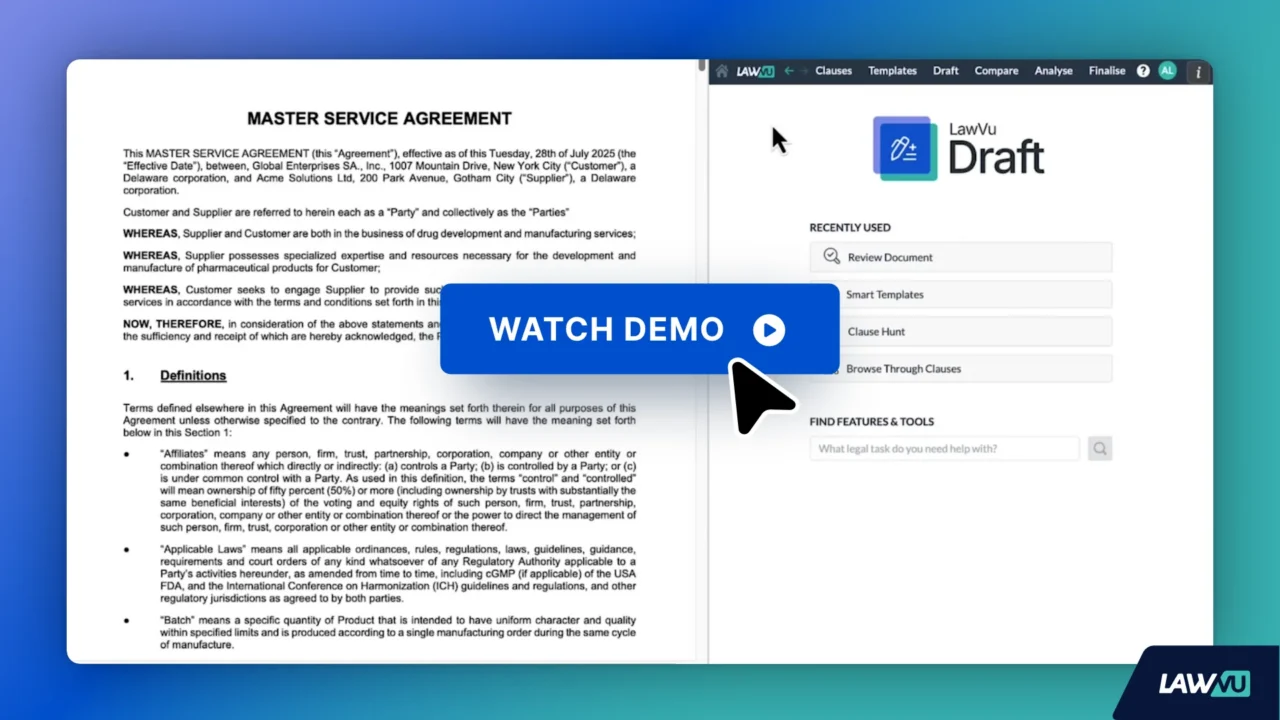
Tools such as LawVu Draft focus on cutting down these break artifacts specifically, since they work on the DOCX side of the process.
Neither traditional OCR nor AI conversion has fully solved the problem yet. Keep the right tools on hand and expect some cleanup.