LawVu logo
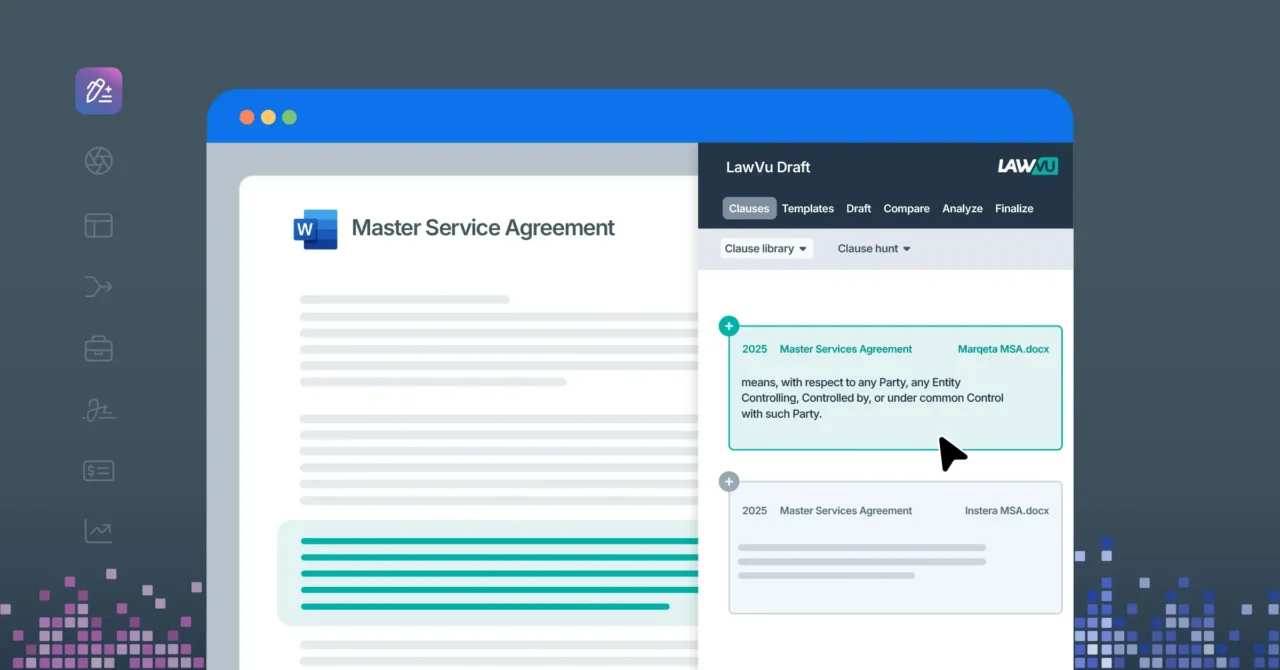
LawVu Draft

Draft and review contracts in minutes, not hours

Create, redline, and refine contracts with a complete toolbox that helps in-house legal execute at the speed of business – all inside Microsoft Word.

Speed up drafting, review and turnaround

Leverage playbooks and AI tools to redline third party agreements in a fraction of time
Redline instantly
Insert preferred clauses with one click to speed up drafts and negotiation.
Apply custom playbooks
Set your standards once, then apply them consistently across every review.
Spot issues in real-time
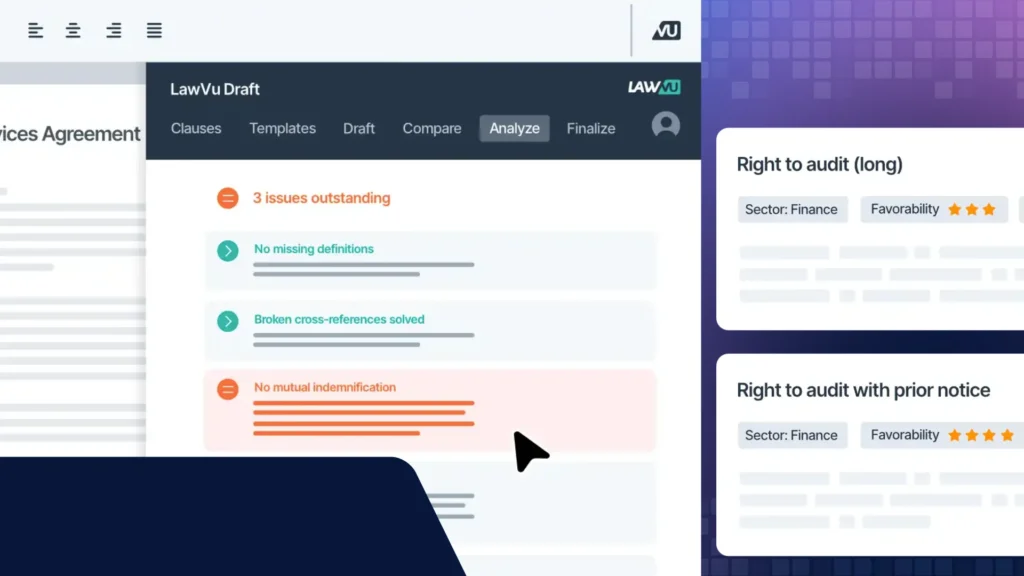
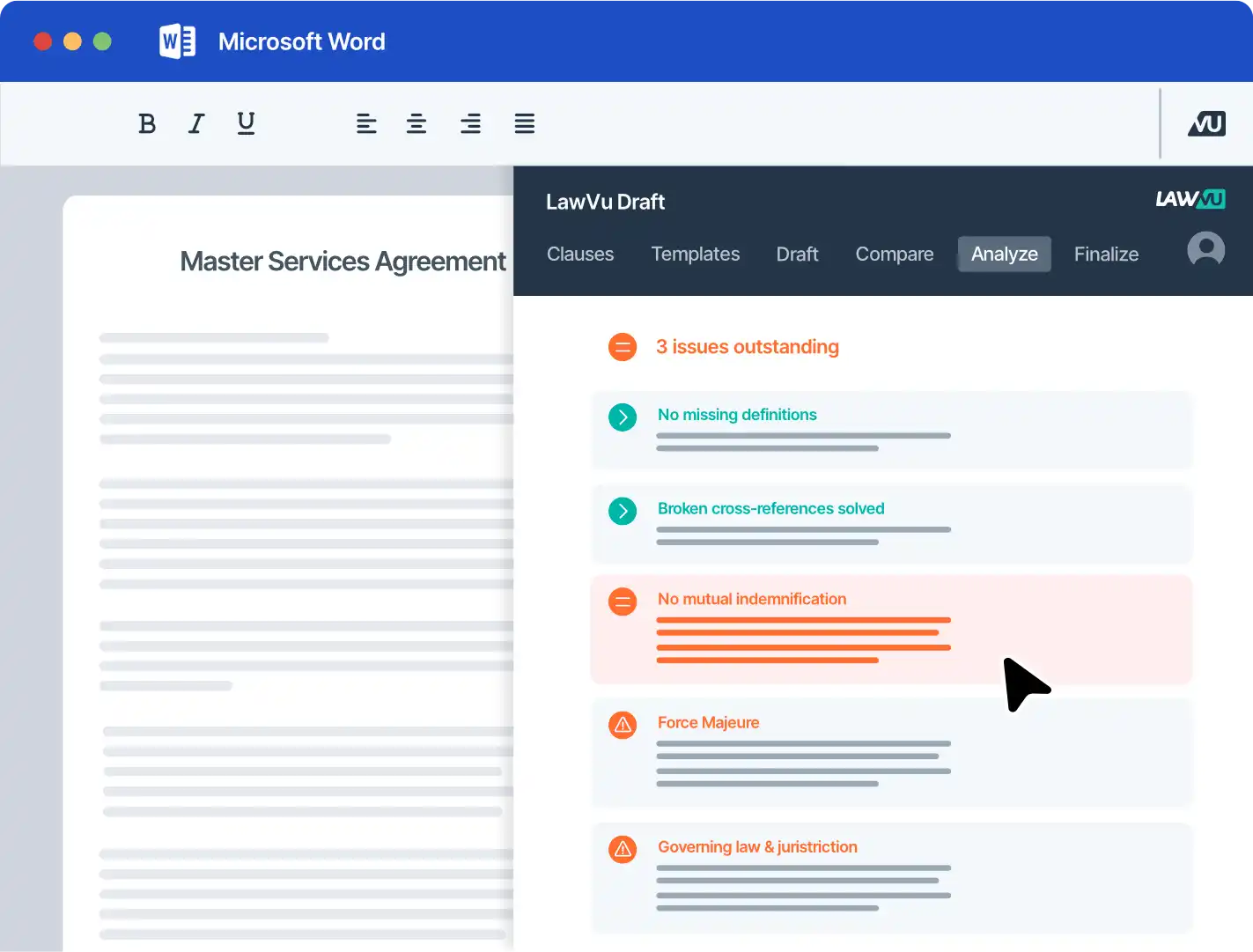
Automatically surface risks, inconsistencies, and missing terms as you review.

Draft high-quality contracts, instantly

Generate accurate, consistent contracts using your clauses, templates, and knowledge
Draft in minutes
Build contracts quickly with structured templates and reusable clauses
Keep everything consistent 
Apply automated styling, definitions, and formatting across every document.
Grow your shared knowledge
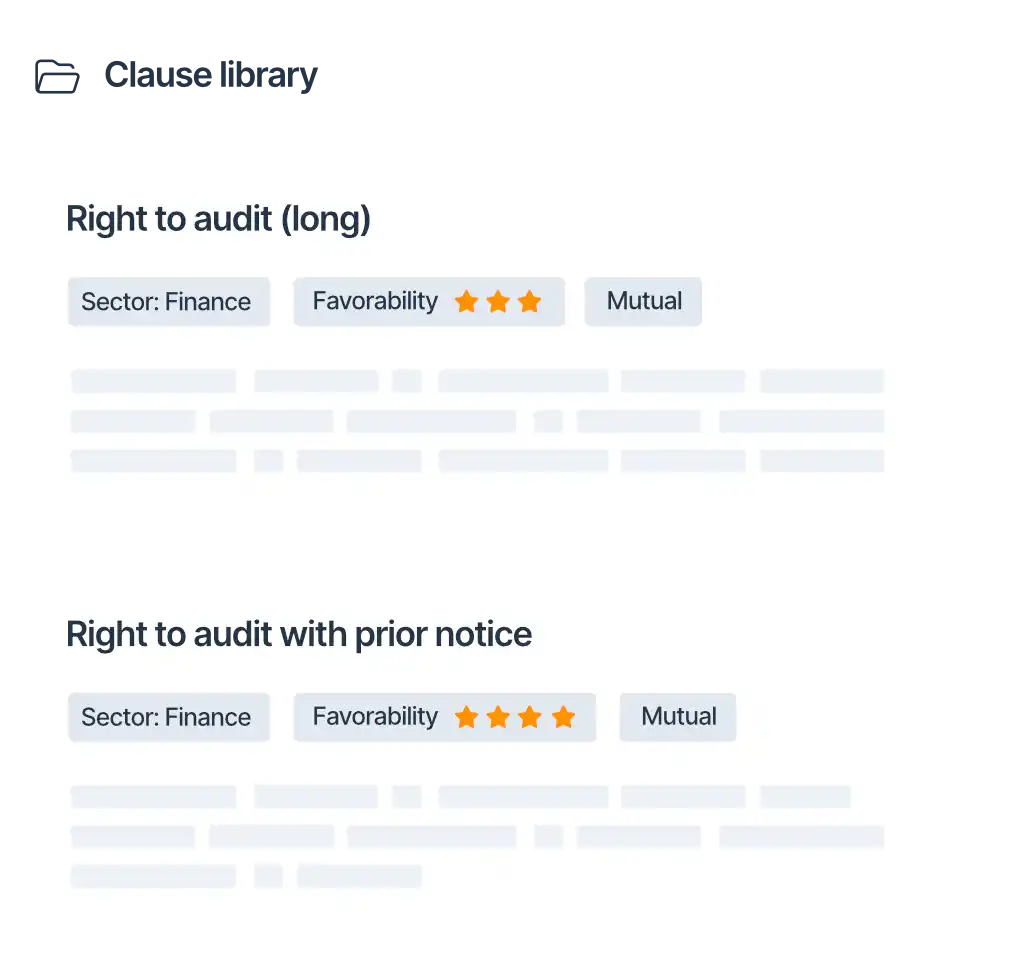
Capture organizational know-how in a clause library that improves over time

x

Up to 3x faster negotiaions

x

Up to 3x faster reviews

x

Up to 14x faster drafting

Scale your team without adding headcount

Turn your contract history into a living asset that speeds up every negotiation.
Find prior work fast
Access clause libraries, precedent contracts, and drafting history in a single view.
Compare in seconds
Review clauses, obligations, and alternatives side by side to move faster.
Ensure consistency at scale
Use AI-powered proofreading and consistency checks to reduce errors and rework.

Collaborate seamlessly across teams and tools

Keep legal and your stakeholders aligned with one connected drafting and review workflow.
Stay in your flow
Work inside Word with searchable clauses and document comparison to cut rework.
Keep everything in one place
Track changes, comments, decisions, and versions together in a secure hub.
Improve turnaround time
Send contracts for negotiation, approval and signature without switching systems.
THE LAWVU WORKSPACE

A modern unified platform to manage all your legal work

See value fast with the legal workspace that’s intuitive for both legal and the business. Start with the capabilities you need most and scale over time, or unleash the full power of the workspace from day one.

Matter management

Boost productivity with a central hub for all your work, including project and task management, templates, document and email storage, and reporting.
Tell me more

Contract management

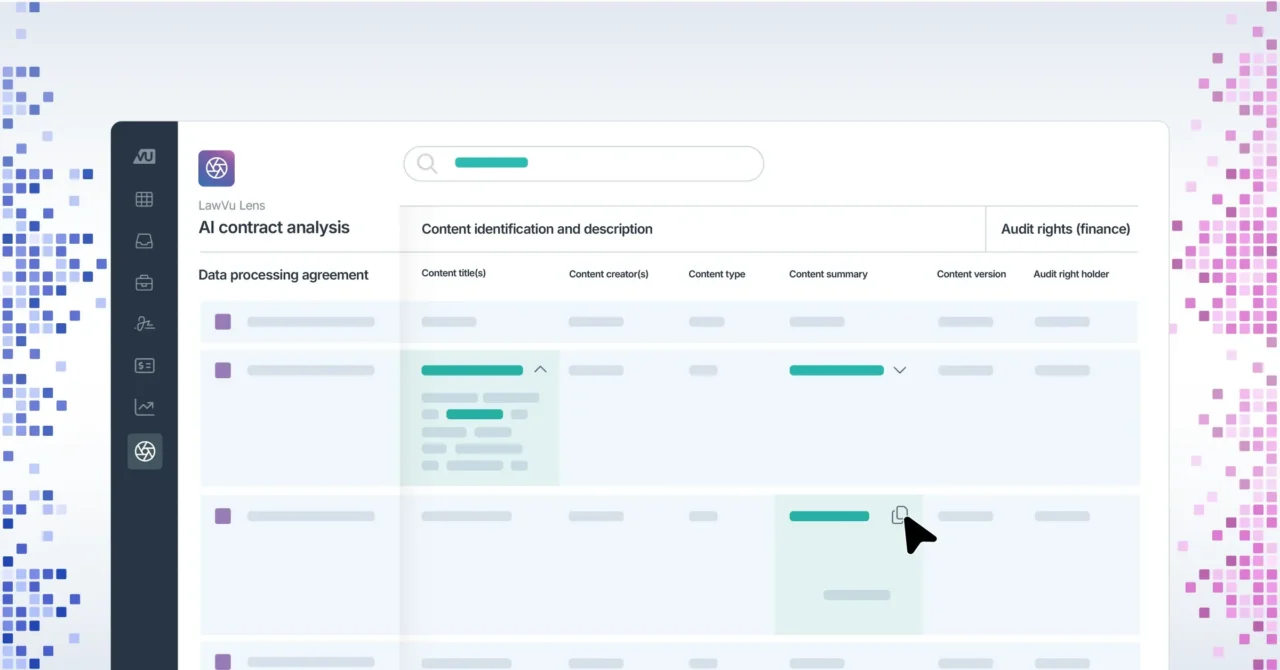
Improve turnaround times with end-to-end contract lifecycle management, including a contract repository, automation and self-service, and AI-powered workflows.
Tell me more

Spend management

Get a handle on legal spend with invoice management, e-billing, secure outside counsel collaboration, workflow automation and reporting.
Tell me more

Insights & reporting

Make data-driven decisions and showcase the value of legal with easy-to-use visual dashboards and reporting for matter, contract and spend management.
Tell me more

Intake & self-service

Improve legal services and boost collaboration by centralizing requests, enabling self-service, automating contracts and enhancing visibility with a legal portal.
Tell me more

Document management

Integrated and searchable knowledge base and document management system for your legal team.
Tell me more

Workspace Intelligence™

Leverage effortless, secure AI across the legal workspace to save time, accelerate workflows and unlock actionable insights.
Tell me more

Why in-house legal teams love LawVu Draft

In-house legal teams pick LawVu Draft because it delivers speed, consistency, and quality without disrupting established workflows.
Many solutions require lawyers to work in separate platforms with word-like text-editors, which adds unnecessary friction. LawVu Draft’s deep integration with Word was a major advantage for us - it supports our team in their existing workflow rather than forcing a system change, while also allowing us to fully leverage Word’s native formatting and tools. This makes adoption much more intuitive and ensures a seamless drafting experience.
Yunna Choi
Head of Legal Operations & Innovation, Axel Springer
We now have a shared brain of legal drafting knowledge along with a range of other tools that help our lawyers drafter better and faster.
Raquel Rodriguez
Associate General Counsel, AES Corporation
FAQ

Contract drafting is the process of creating clear, legally enforceable agreements that protect the company and allow the business to execute effectively. In-house legal teams draft and review a wide range of contracts, typically spending the most time on common agreements such as NDAs, MSAs, SaaS, supplier, and sales agreements to manage risk (e.g. liability, compliance, disputes, and revenue leakage), ensure they reflect the organization’s preferred positions, and to maintain consistency across deals and terms.

Contract review is the process of checking a counterparty’s proposed agreement to ensure it aligns with the organization’s legal policies to manage risk, ensure compliance, and protect the organization’s interests. It is a critical step before a contract is signed and becomes legally binding.

Redlining is where in-house lawyers mark up the document with edits, additions, things that need to be removed, and comments during negotiation so changes are clear and can be agreed by everyone.

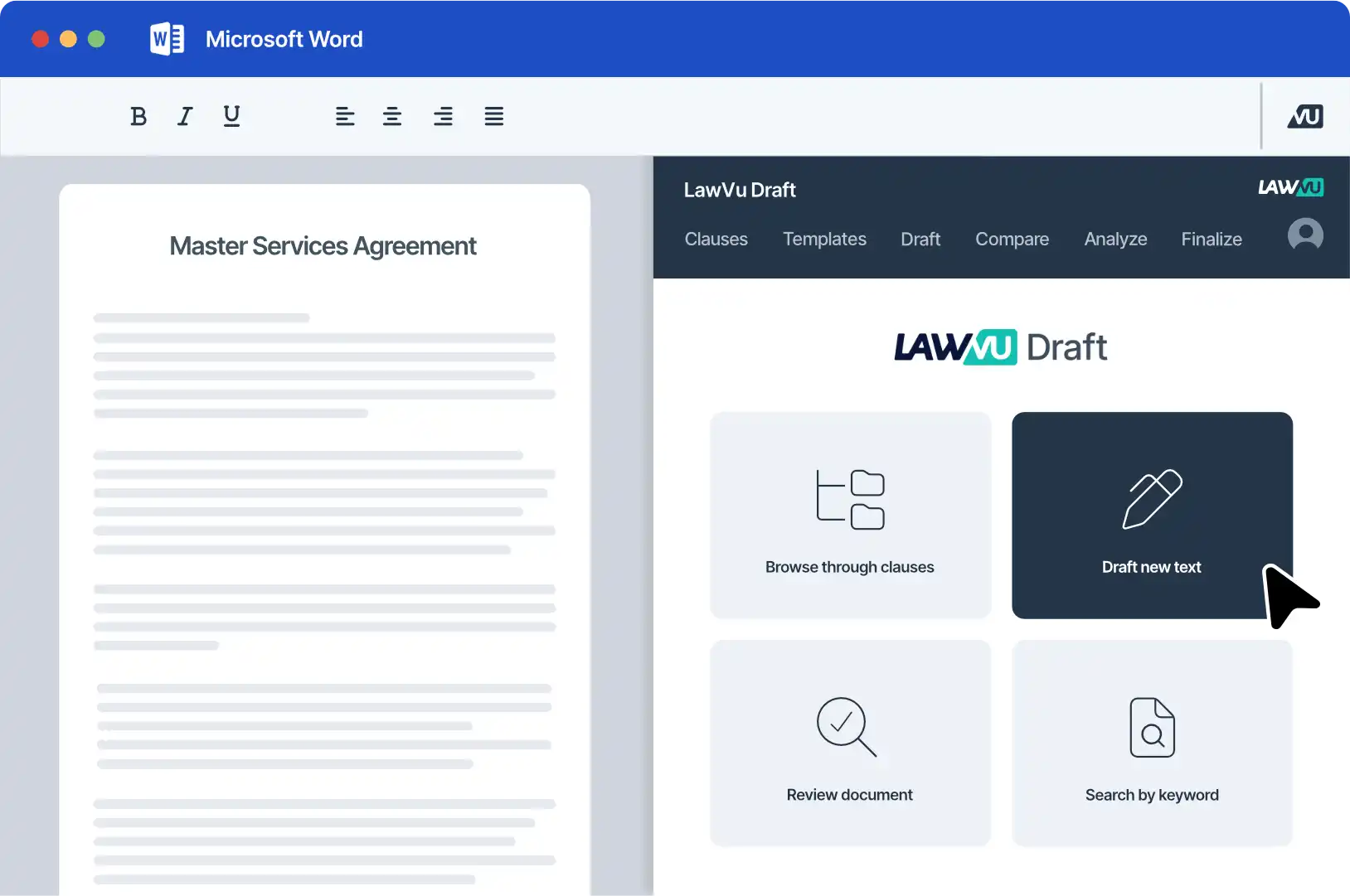
LawVu Draft is an add-in that sits directly in Microsoft Word. It is deeply integrated into the LawVu legal workspace so an organization’s contract history and preferred positions become drafting knowledge that is automatically updated and can be reused to speed up every negotiation.

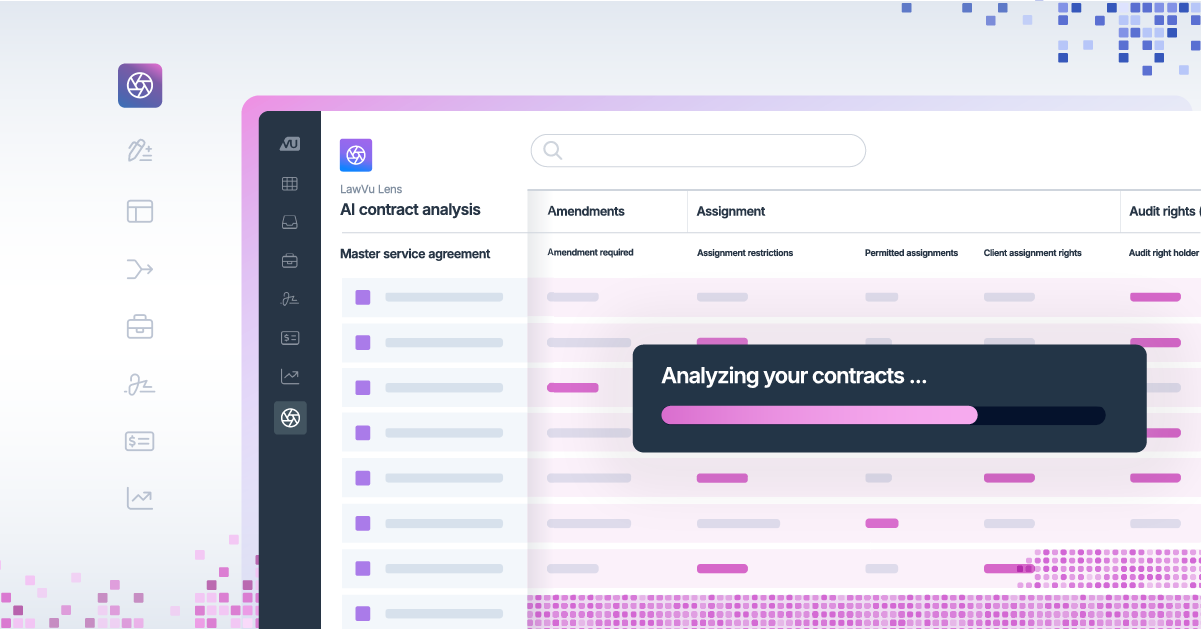
In-house legal teams can use AI to import their own playbooks, or start with LawVu’s standard templates, then review third-party contracts against those playbooks. LawVu Draft adds comments, inserts compliant clauses, and rewrites non-compliant language, all while preserving the formatting of the original document.

Once your preferred clauses and playbooks are set, legal teams can redline third-party agreements without leaving Microsoft Word:

  • Instantly redline with one-click insertion of preferred clauses
  • Apply custom playbooks to enforce standards and reduce manual checks
  • Automatically surface risks, inconsistencies, and missing terms
  • Maintain quality with AI-powered proofreading and consistency checks

Yes. LawVu Draft lets legal teams compare two documents (Word or PDF) side by side, see every change clearly, and export or insert updates directly in Word. You can also run bulk comparisons across multiple documents to review variations in a single integrated view.

LawVu Draft is not a separate solution. It’s part of the LawVu legal workspace, which means drafts and reviews are powered by an organization’s real contract history, playbooks, matters, documents, and preferred clauses in one secure place. This drives higher adoption, faster time to value, and stronger ROI than point solutions that sit outside your legal workflows.

Inside Microsoft Word, LawVu Draft helps teams work faster and with more confidence by surfacing relevant clauses instantly, answering questions from your LawVu repository as you draft, and automatically checking for technical issues like missing definitions, unresolved placeholders, invalid cross-references, or inconsistent terms.


Candice Somerville

Experience LawVu with a live demo

Schedule an expert-run, 30 minute tour of the LawVu legal workspace.