How to choose a CLM software for your in‑house legal team
 LawVu
LawVu
As in‑house legal teams scale to meet business demands, contracts become harder to track, risk increases, and visibility drops. Contract Lifecycle Management (CLM) software is essential to helping legal teams stay in control, but unfortunately there’s no one-size fits all. While choosing the right tool can transform your team, choosing the wrong one can create numerous problems.
Doing vendor due diligence is key to making sure that you’re choosing a CLM solution that you can trust, and to best understand how it can support your team. We’ve created this guide to equip you and your legal team with everything you need to choose the CLM system that is right for you.
1. What is CLM and why it matters
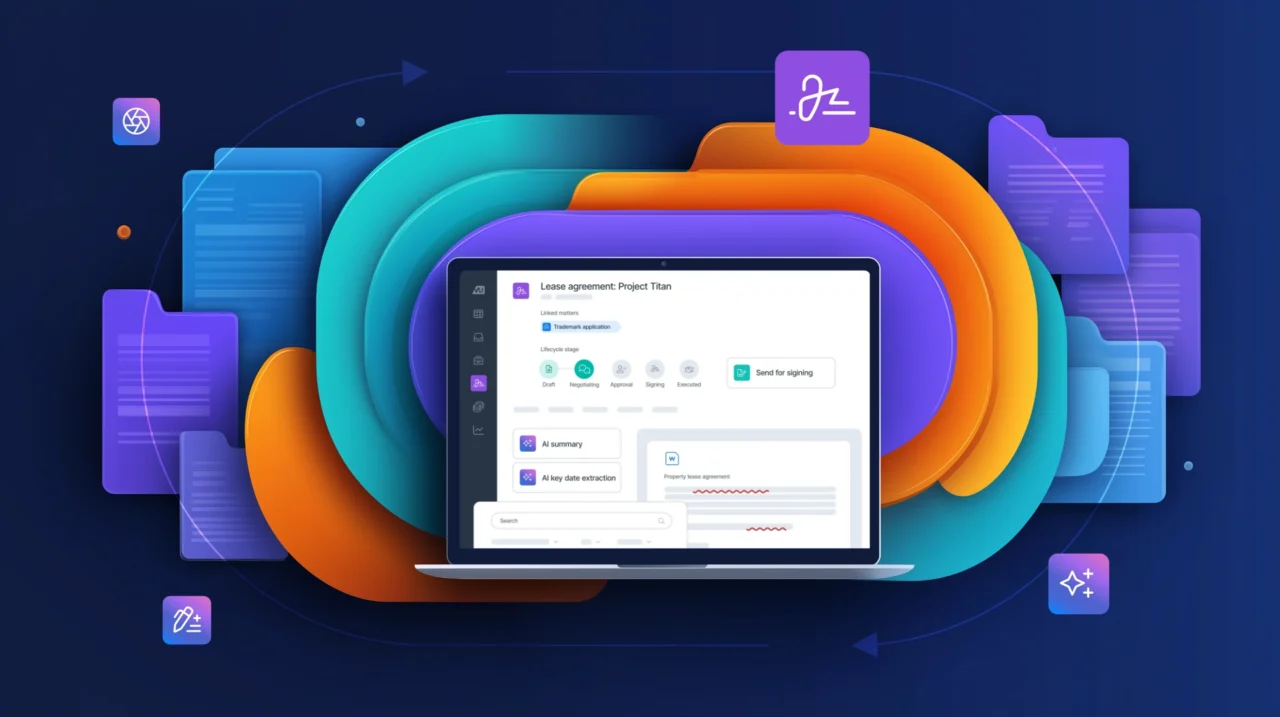
CLM software creates one source of truth for legal teams, by managing contracts from the request to renewal stages. Typically, CLM centralizes documents by storing them in one place, automate workflows, track contractual obligations, and report across the entire contract lifecycle, ultimately saving legal teams a significant amount of time.
Most legal teams have always operated across shared drives, emails and spreadsheets, making it easy for documents to get lost, or renewals missed, reducing insight and ultimately slowing teams down. This is where a CLM is a real game-changer, as it reduces risk, improves efficiency, and creates visibility into contract status and performance, ultimately showcasing legal value in driving better business outcomes.
Perhaps most invaluable is the time a legal team gets back once a CLM takes over the administrative burden of their day-to-day tasks. Matt Brasch, Associate General Counsel at Buckle (a LawVu customer) has reaped many rewards from CLM adoption.
“When you have a tool like LawVu, it gives time back,” he says. “We can now take an hour and a half to whiteboard, come up with a strategy, and think about a project instead of always having a knee-jerk reaction. I think that’s invaluable.”Matt Brasch, Associate General Counsel at Buckle
Check out five benefits of contract management software or more detailed information on the benefits of a CLM system.
2. The core features to look for
Not all CLM systems are created equal, some are much more comprehensive than others. The best CLM for in‑house counsel balances legal control with ease of use for the wider business, so when assessing potential software, we recommend looking for these key features:
The integrated legal tech feature checklist provides clarity on which features will have the greatest impact on your team.
3. Evaluating vendors
Choosing a CLM software is not only feature-specific, but vendor-specific. It’s important to find a CLM that is the right fit for your legal team, the wider business, and your broader legal tech stack.
At LawVu, we prioritize our relationship with legal counsel, knowing that legal teams thrive when they feel supported by their vendor, earning us feedback such as this: “LawVu has been exceptional from start to finish – their commitment and customer service have been consistent from sales through to implementation and ongoing support. It’s rare to see a vendor maintain the same level of care after the sale.”
4. Checklist: 12 questions to ask vendors
When searching for a CLM system, it’s advisable to have a set of questions to ask each vendor, so you can truly understand if their tool is the right fit for your team and has the potential to accelerate your contract lifecycle. We created the following checklist to help guide you.
Contract lifecycle management software checklist
- Supports the full contract lifecycle. Oversees contracts from request to renewal stage.
- Contract repository. You can build contracts into the platform as part of implementation or import historical docs.
- User experience. The tool is easy for both legal and business users to adopt and workflows and integrations with business tools such as emails, CRM, finance, and other legal systems are included.
- Obligation tracking. Automated renewal reminders and tracking is included.
- Platform security. Assess platform security and ensure that it adheres to data and privacy standards.
- Built for scale. Make sure the CLM is configurable and flexible to scale up as contract volume grows.
- Vendor support. Ensure onboarding and training are provided post integration.
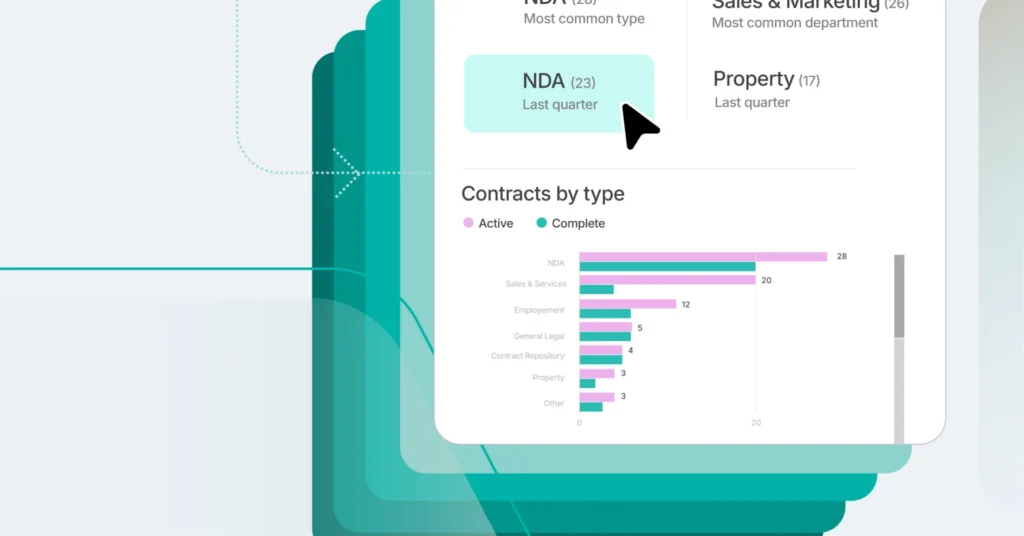
- Measurable ROI reporting. Data and analytics are harnessed for reporting.
- It has an AI roadmap. Or AI is embedded in the platform.
- Intake or self-service to route business requests in one place. Empowers business users to self-serve their contracting needs.
- Minimal IT involvement. A highly configurable system that requires minimal IT involvement, freeing up resources.
- Fast implementation time. The speed of implementation determines time to seeing ROI.
For a deeper dive on questions to pose to potential vendors and the reasoning for them, check out ten questions to ask before buying CLM software.
In conclusion, choosing the right CLM software can transform an in‑house legal team from a siloed function to an effective, efficient, value-adding function. A CLM allows teams to scale without increasing risk and to mine contracts for actionable data and insights, subsequently improving relationships with the wider business.