Buyer’s guide to best draft and review software – features, comparisons, and tips
 LawVu
LawVu
What makes a drafting tool “the best”?
Drafting and reviewing contracts is one of the most time intensive activities for in-house legal teams. Every agreement brings pressure to move quickly, stay consistent with internal standards, and manage risk, all while working across multiple stakeholders.
Today, many vendors promise AI-powered speed. But speed alone does not determine long-term value. Adoption, risk control, privacy, and how well a tool fits into day-to-day legal work are what really matters.
The best contract drafting software balances speed, consistency, risk management, and ease of adoption. It supports lawyers in how they already work, rather than forcing new habits or risky shortcuts.
This buyer’s guide explains what to look for in modern drafting and reviewing tools, how vendors differ, and how in-house teams can choose with confidence, with positioned as a benchmark example of in-house friendly design.
Key features to look for in the best drafting and review software
Many tools nowadays offer some measure of drafting and reviewing assistance. The most valuable among them typically offer the following functionalities at a minimum.
Native Microsoft Word integration
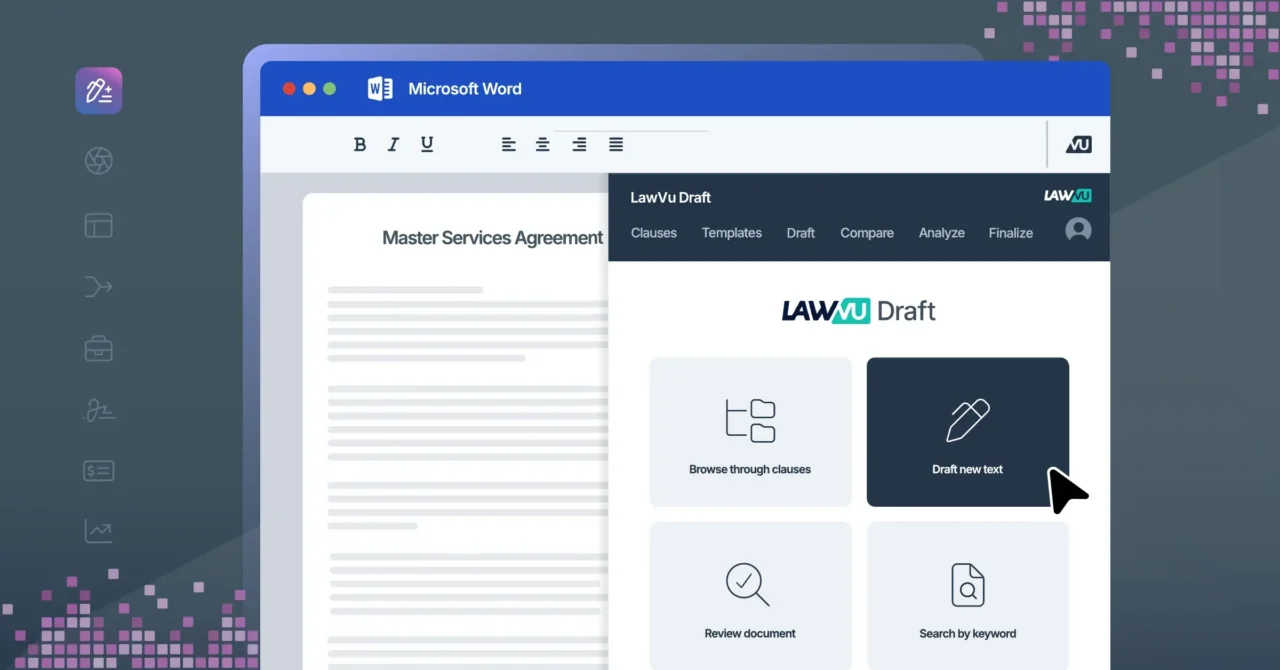
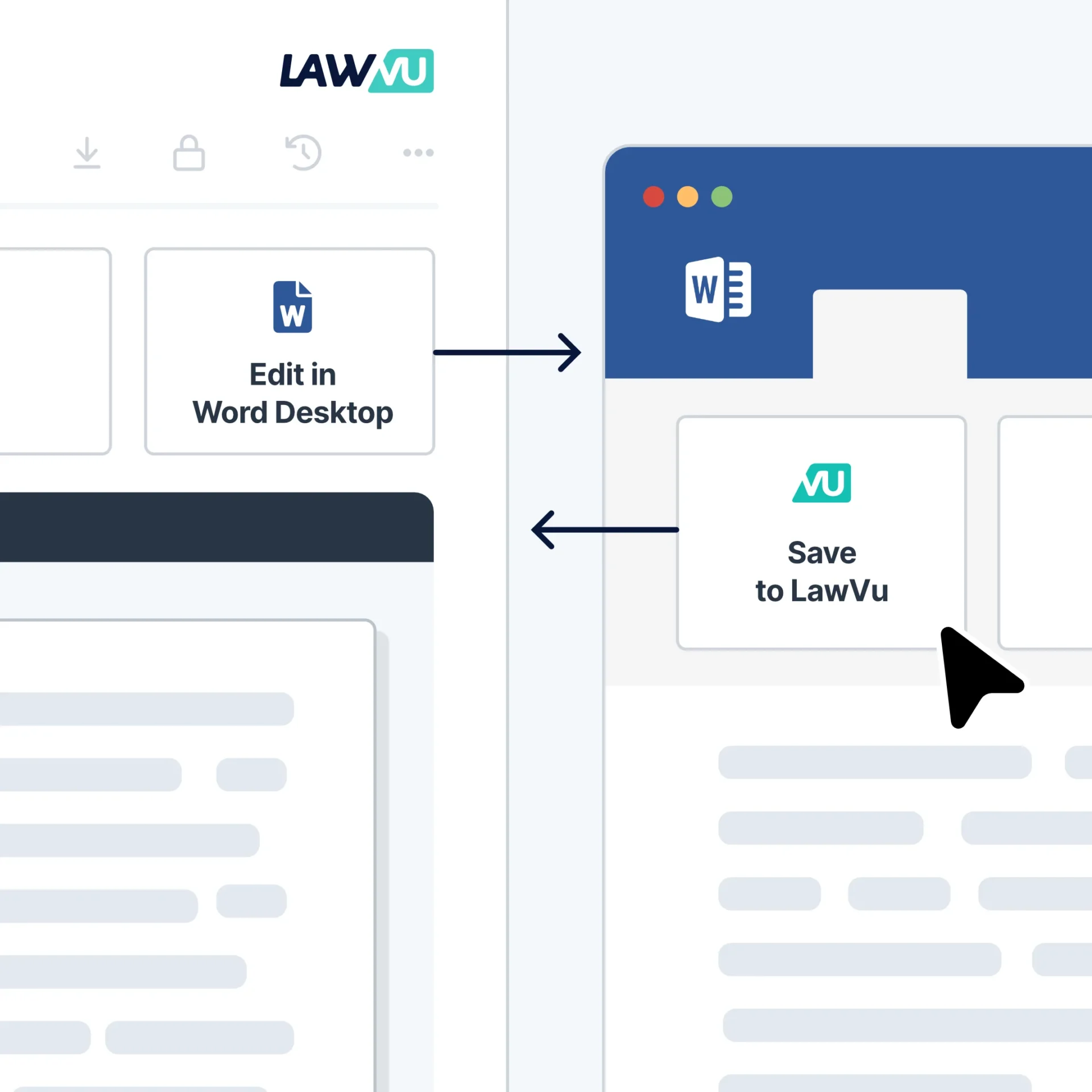
Most legal drafting still happens in Microsoft Word. Any serious contract drafting solution should work directly inside it, not through a separate or “Word like” editor.
Native integration reduces friction, shortens learning curves, and makes adoption far more likely. Lawyers should not have to leave Word to access templates, clauses, or draft review insights.
Smart templates and clause libraries
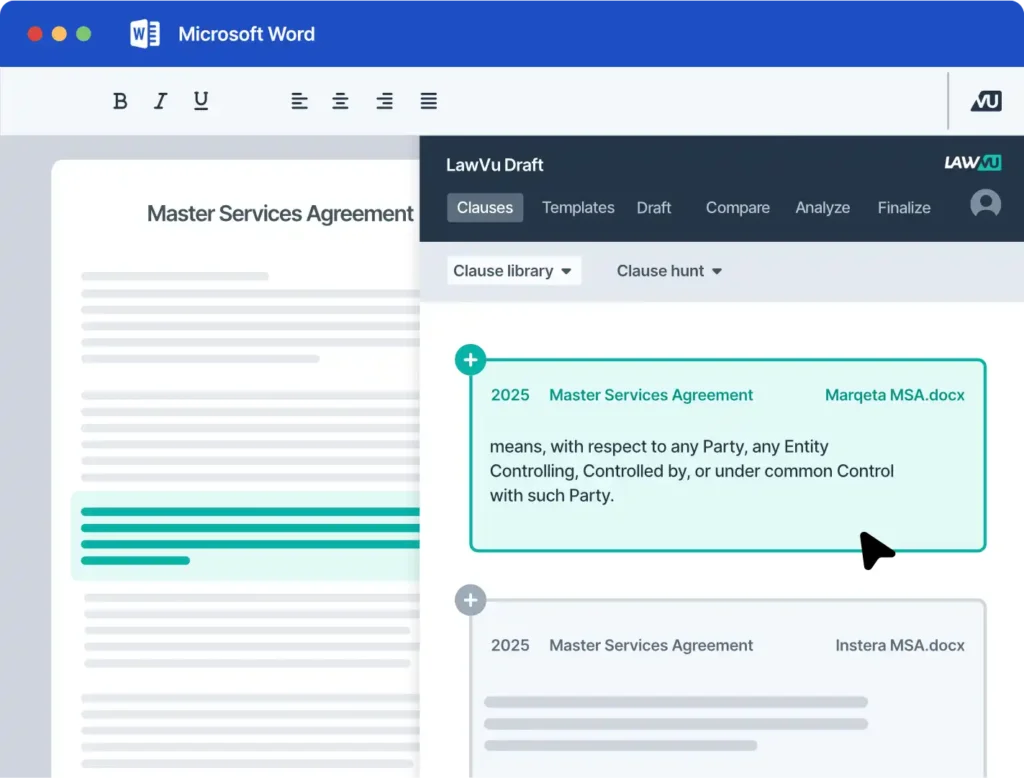
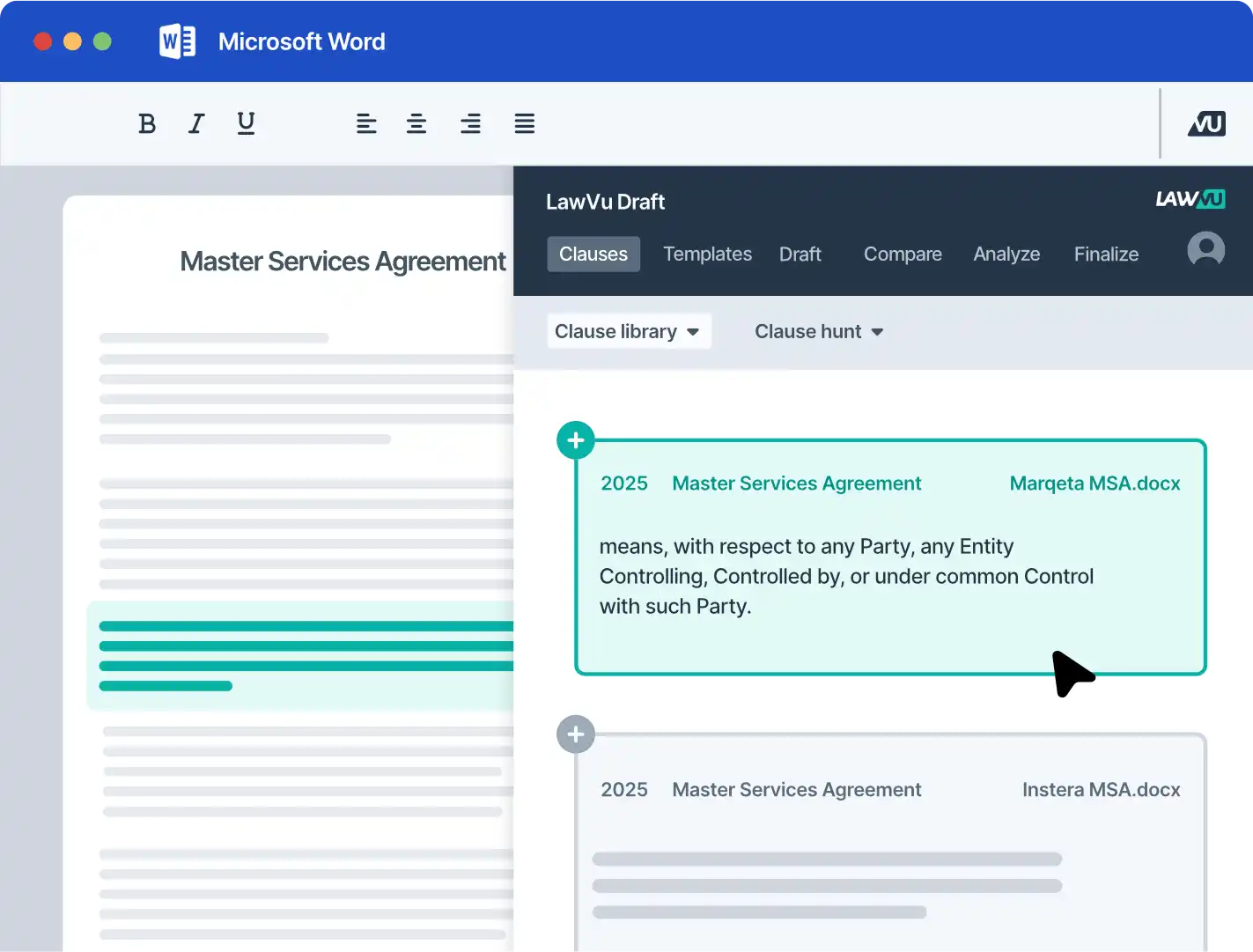
Strong in-house legal drafting software helps legal teams build and maintain reusable templates and approved clause libraries that reflect how the organization contracts.
These tools help teams draft faster while maintaining consistency across agreements. Structured drafting also reduces rework and avoids reliance on outdated language copied from old files.
Playbooks and standards enforcement
Modern solutions allow lawyers to review documents against their organization’s preferred positions and risk appetite. This is typically done in the form of a list of requirements called a “playbook”.
The best solutions not only offer assistance in building these playbooks but also allow lawyers to leverage their organization’s drafting knowledge (e.g. standard and fallback clauses) directly in the redlining process.
 AI-powered risk detection
Truly powerful AI-powered reviewing tools should work like a tireless second pair of eyes that reduce risk wherever possible.
That means catching both substantive errors (conflicts with internal company policy, inconsistencies across main agreements and annexes, or alerting you to unbalanced provisions), and formalistic errors (undefined capitalized terminology, internal comments and placeholders that should have been deleted, incorrect number or date notation, etc.).
Knowledge reuse and precedent access
Past contracts are one of the most valuable assets legal teams have.
The best tools turn executed agreements into a searchable knowledge base. Lawyers can see how similar issues were handled previously, compare language, and reuse for proven positions rather than starting from scratch.
Collaboration and negotiation support
Drafting does not happen in isolation.
Look for tools that support tracked changes, clause comparison, version control, approvals, and smooth handoff to signature, all without switching systems. Strong collaboration features improve both internal review and external negotiation.
Platform integration
Drafting works best when it is so it automatically searches your real contract and document history to deliver consistent, up-to-date and compliant agreements.
Standalone tools can create silos. Integrated platforms connect drafting to contract management, approvals, reporting, and legal operations data, giving teams better visibility and control.
How the best draft and review software vendors differ
Rather than ranking tools arbitrarily, it helps to understand how vendor approaches vary across key decision areas in real legal workflows.
Comparison criteria buyers should use
When running a contract drafting software comparison, apply a simple, consistent framework across vendors:
- Does it work natively in Microsoft Word?
- Does it allow for your organization’s own knowledge to be leveraged in the drafting and reviewing process?
- Does it assist in building the assets (playbooks, templates, etc.) necessary to speed up your work?
- How well does it support negotiation and collaboration?
- Does it have proven traction in organizations similar to yours?
- Is it connected to your contract and document repository by default?
- Is it part of a broader legal ecosystem?
- Is your data private and secure?
This checklist helps teams cut through marketing language and focus on outcomes that matter.
Practical tips for choosing the right drafting software
 Choosing the right drafting and review software is as much about people and process as it is about features. A few practical steps can make evaluations far more effective and help teams avoid tools that look good in demos but fail in daily use.
Start by involving end users early in the evaluation. Lawyers are the ones who draft, review, and negotiate contracts every day, so their feedback matters in combination with this feature checklist. Tools that feel intuitive to legal teams are far more likely to be adopted and deliver genuine value.
When testing software, use real contracts rather than polished demo templates. Real-world agreements surface the complexity, edge cases, and risk scenarios that matter most. This approach quickly reveals whether a tool genuinely improves draft review or simply performs well in controlled demonstrations.
It is also important to look for measurable improvements, not just broad AI claims. The best tools show clear gains in drafting speed, consistency, and risk control. Vague promises about AI capabilities mean little without evidence of how they support better legal outcomes.
Finally, choose vendors that can support long-term growth and change through a rich feature set. Legal teams evolve, workloads increase, and expectations rise. Tools that only focus on one small part of the drafting and reviewing process risk quickly becoming obsolete as the team’s appetite for process improvements increases.
Choosing the best draft software for in-house legal teams
The best contract drafting software fits naturally into how legal teams already work and is part of a solution that integrates with all your legal workflows.
It improves speed without cutting corners, enforces standards without friction, reduces risk through smart draft review, and scales as legal demand grows.
By using a structured evaluation and focusing on real workflows, in-house teams can invest with confidence, choosing tools like LawVu Draft that are designed for modern legal work, not just impressive demos.