
Ten questions to ask before investing in contract drafting and review software
 LawVu
LawVu
Contract drafting and review software is a hot topic right now, and often a legal team’s first foray into AI-powered workflows. Most tools promise faster drafting, smarter review, and AI that takes work off your plate. Yet many in-house teams invest in technology only to find it gathering dust a few months later. Why? Because the problem usually isn’t the idea of drafting software; it’s how the tool fits (or doesn’t fit) into real legal work.
Too often, drafting tools fail because they ask lawyers to change how they work instead of supporting them. Lawyers are pushed out of Microsoft Word and into separate editors that don’t quite behave the same way. Tracked changes feel different, formatting breaks, and documents don’t look the way lawyers expect when they’re sent to counterparties. What starts as a small annoyance quickly becomes a reason to avoid the tool altogether, especially when deadlines are tight and daily Word workflows are so ingrained.
Contract standards and playbooks tend to live in PDFs, shared drives, or old intranet pages that no one remembers to check in the moment it matters. AI features promise help with drafting but often focus on generating text rather than spotting missing terms, inconsistent language, or deviations from approved positions. The result is more review work, not less. Adoption slows, teams lose trust in AI – falling back on familiar manual processes, and the software quietly becomes shelfware: another well-intentioned investment that never fully delivers on its promise.
The difference between tools that stick and tools that fail comes down to asking the right questions before buying. Below are 10 practical questions every in-house legal team should ask when evaluating contract drafting and review software.
1. Does the drafting tool work natively in Microsoft Word?
Most in-house lawyers draft, review, and negotiate contracts in Microsoft Word. It’s where tracked changes live, where counterparties make edits, and where contracts ultimately get finalized and signed. Word isn’t just a preference; it’s the default working environment for most legal teams and the wider business.
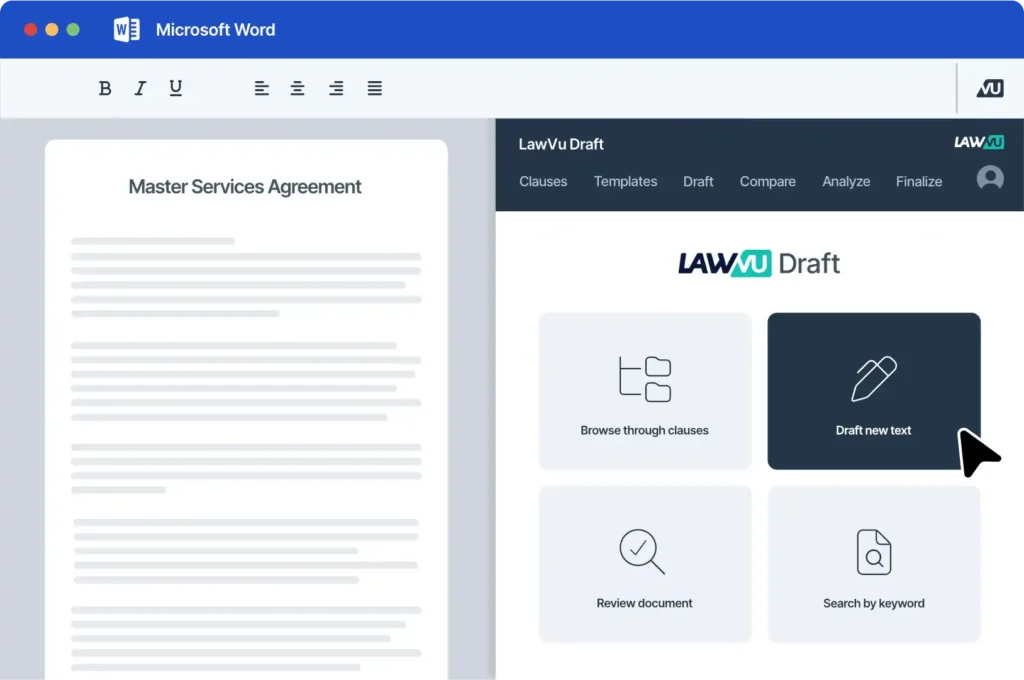
Drafting tools that rely on separate editors or “Word-like” interfaces often introduce friction rather than removing it. Formatting can break when documents move back into Word, tracked changes don’t always behave as expected, and lawyers end up duplicating work across systems to keep documents usable. These small frustrations add up quickly, especially under time pressure.
Native Word integration means the tool works directly inside Microsoft Word rather than alongside it. They should keep legal within their existing workflow and minimize the need for retraining. If a contract drafting and review tool requires lawyers to leave Word to do their core work, it’s a strong signal that adoption and long-term value will be harder to achieve.
2. How does it help enforce legal standards and playbooks?
Most in-house legal teams already have well-defined legal standards, including approved clauses, fallback positions, and clear negotiation guidance. The real challenge is not creating these standards, but ensuring they are applied consistently across every contract.
Effective drafting software helps enforce legal standards by embedding them directly into drafting and review workflows. Approved language is surfaced from clause libraries as needed, while playbooks actively guide lawyers toward the right clause selections and negotiation positions. Automated checks then monitor drafts in real time, flagging deviations from policy before they become issues.
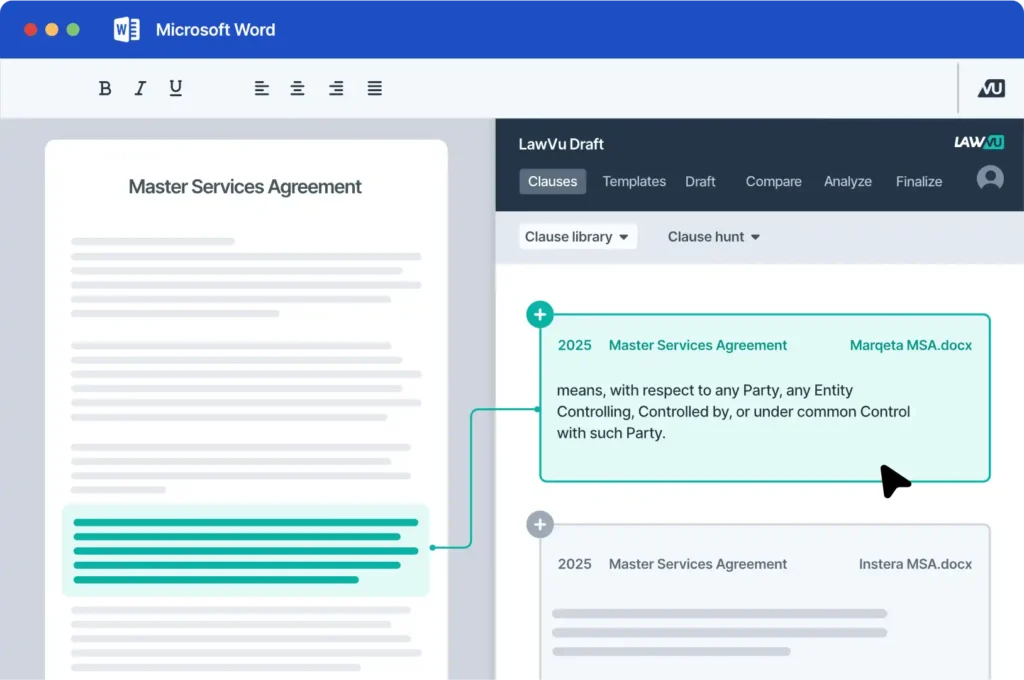
Without this type of tooling, legal standards tend to live in separate documents or knowledge bases that lawyers must remember to consult. With it, those standards become an integrated part of how contracts are drafted and reviewed in practice, improving consistency and compliance without adding extra steps to the process.
3. Can it automatically surface legal risk and missing terms?
There’s a big difference between AI that writes text and AI that reduces risk.
Drafting tools should help answer questions like:
- Are required clauses missing?
- Do definitions conflict or go unused?
- Has approved language been changed in a risky way?
AI that highlights inconsistencies, omissions, and deviations from standards helps lawyers focus on judgment calls instead of manual checks. That’s where real value shows up, not in generic clause generation alone.
4. Does it turn past contracts into reusable knowledge?
 Every legal team holds years of institutional knowledge locked away in executed contracts. The real question is whether a drafting tool can tap into that knowledge or whether it ignores it altogether.
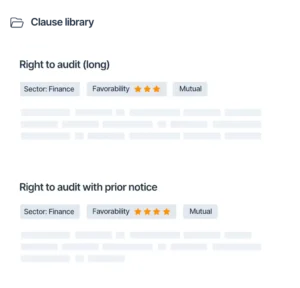
The most effective tools allow teams to build clause libraries directly from past contracts, making proven precedents searchable and easy to reuse. Instead of starting from scratch or relying on static templates, lawyers can draw on language that has already been negotiated, approved, and tested in practice. As more contracts are drafted, these systems continue to improve, becoming increasingly aligned with how the team works.
Static templates tend to become less relevant over time. By contrast, AI-powered systems that learn from a team’s existing contracts and evolve with each new deal tend to become more valuable, not less, reinforcing consistency while reflecting real-world negotiation history.
5. How much time does it save on drafting and review?
Marketing claims are easy. Measurable impact is harder.
Instead of asking how “fast” a tool is, ask:
- Does it shorten review cycles?
- Does it reduce back-and-forth on standard terms?
- Does it help turnaround contracts sooner?
The best drafting tools save time across the whole lifecycle, not just in the first draft, but in review, negotiation, approval, and signing as well.
6. Will it reduce manual checks and rework?
A surprising amount of legal time is spent on tasks that don’t require legal judgment at all, such as checking defined terms, fixing numbering and formatting, and ensuring clauses are consistent throughout a document.
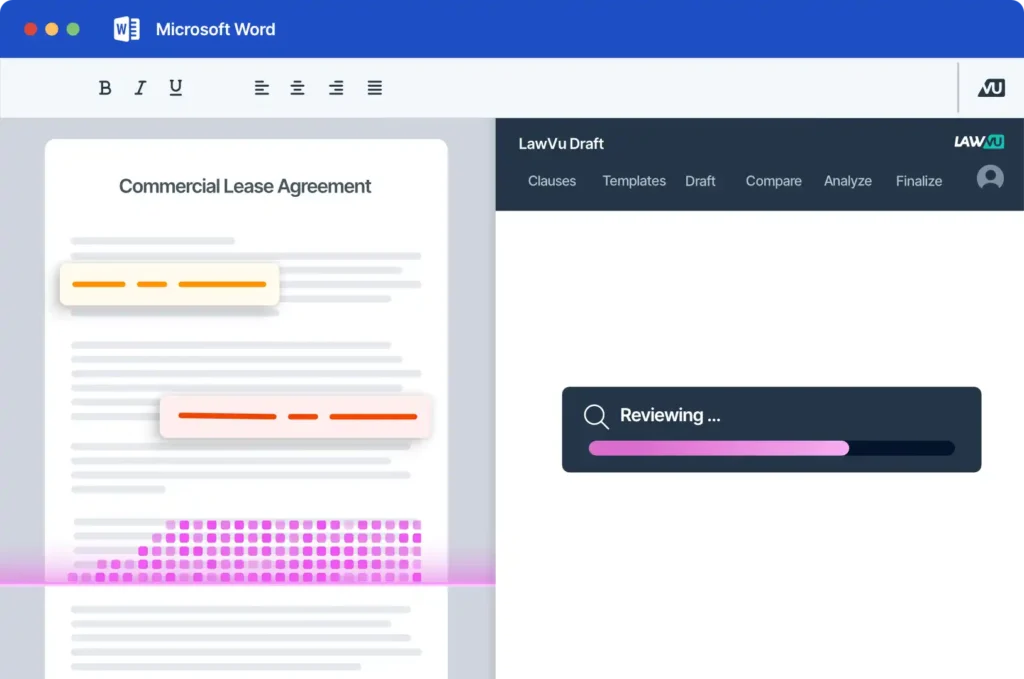
Good drafting and review software automates these foundational tasks, so lawyers don’t have to. By handling the mechanics of contract hygiene in the background, it reduces errors, speeds up review, and frees legal teams to focus on higher-value work.
In practice, this kind of automation often delivers as much value as AI-generated content and does so with far less risk.
7. Can it help scale the legal team without adding headcount?
Most in-house teams are under pressure to do more with the same resources.
Drafting and review tools that support reuse, enforce consistency, and guide less experienced team members make it possible to handle higher volumes of work without growing the team or sacrificing quality.
That doesn’t mean replacing lawyers; it means freeing them up to focus on higher-value, more complex work instead of repeating tasks over and over.
8. How well does it support collaboration and negotiation?
Contracts are collaborative by nature, and any drafting tool needs to support that reality. Effective tools provide clear version control, allow clauses to be compared easily, and support tracked changes and comments so multiple stakeholders can contribute without confusion. They also streamline approvals, signatures, and document management, ensuring everyone knows which version is final and approved.
Ideally, this collaboration happens within a single system, without the need to export documents, email copies back and forth, or switch tools in the middle of a negotiation. The more seamless the collaborative experience, the easier the tool is to adopt, and the more likely it is to be used consistently across the legal team.
9. Is it part of a broader legal workspace or a standalone tool?
Point solutions can be effective, but they often introduce silos. When drafting is connected to matters, contracts, documents, spend management, and reporting within a single workspace that’s purpose-built for in-house legal and the way they need to work with the wider business and outside counsel, legal gains total visibility into work in progress, smoother handoffs between drafting and execution, and faster contract turnaround.
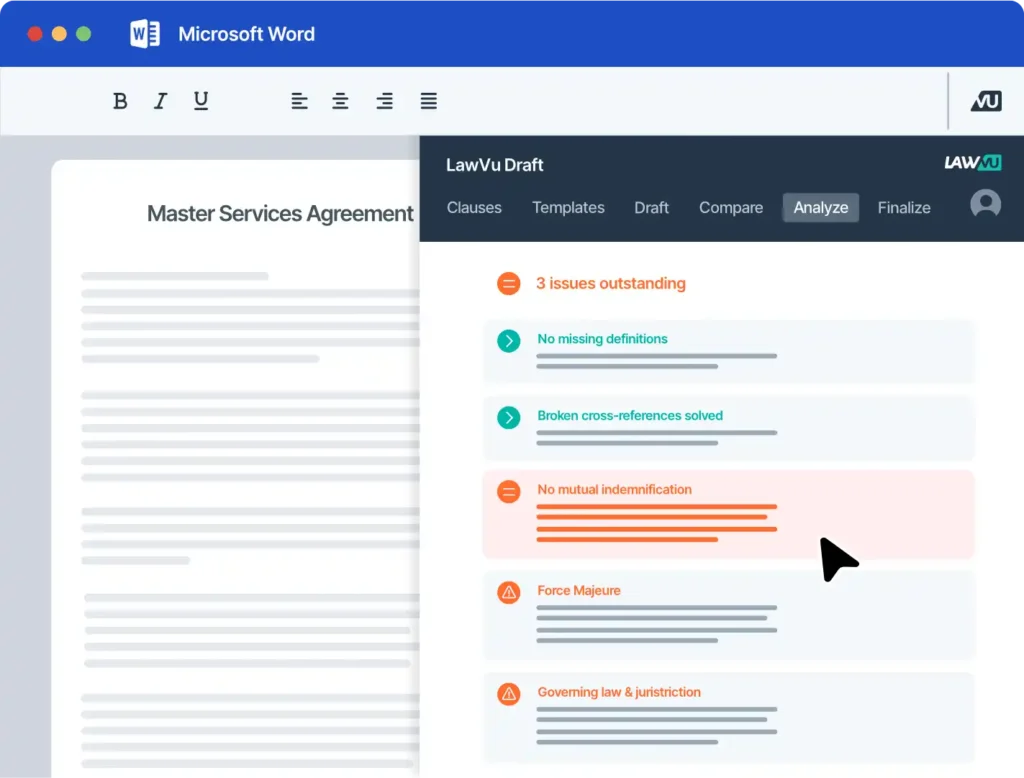
Managing all your legal workflows in one connected platform also enables more reliable reporting on risk, where the work is coming from, turnaround times, and overall performance, because contract management is no longer isolated from the rest of the legal workflows. For many teams, contract management, including drafting and review, is most effective when it operates as part of an integrated legal environment rather than as a disconnected add-on.
It’s also important to understand what day-to-day drafting and review looks like inside that workspace. An effective solution should give legal teams access to clause libraries, precedent contracts, and historical agreements in one place, so they’re not reinventing the wheel with every agreement. It should also allow teams to track changes, comments, decisions, and versions within a single, secure workflow, reducing risk and confusion as contracts move through review. Finally, the ability to send contracts directly from drafting into negotiation, approval, and signature helps eliminate handoffs and delays, accelerating deal cycles and ensuring drafting is tightly connected to execution.
10. How quickly can the team adopt it and see value?
This may be the most important question of all! A tool can be powerful on paper and still fail if it requires heavy change management, or if the interface feels unfamiliar, or if lawyers and other collaborators don’t see immediate benefit in it.
Fast time-to-value, intuitive design, and minimal disruption are often better predictors of ROI than feature lists. If lawyers find the tool quick to learn and enjoyable to use, adoption follows.
Choosing drafting software that sticks
The best contract drafting software doesn’t force legal teams to work differently. It fits into how in-house lawyers already draft and negotiate, draws on past work and best practice, and leverages AI to enforce standards automatically – without slowing the business down.
By asking these 10 questions upfront, in-house legal teams can avoid shelfware and invest in drafting and review technology that delivers quick, lasting value.
In a market full of promises, this checklist makes all the difference.
See how AI‑powered drafting can accelerate your in‑house team
LawVu is an AI-powered workspace designed specifically for in-house teams - one that brings together contracts, matters, documents, spend, knowledge, and more all in one place – with out-of-the-box integrations across the business and legal tech stack.
See how LawVu Draft helps in-house legal teams draft, review, and negotiate contracts faster – directly inside Microsoft Word.